Tutorial

Tutorial posts from the AIHubMix team.

  • AIHubMix Free Model Limits for JanitorAI: 10 Trial Calls, the $1 Unlock, and the Token Cap

    AIHubMix Free Model Limits for JanitorAI: 10 Trial Calls, the $1 Unlock, and the Token Cap

    A new AIHubMix account gets 10 trial calls in total, shared across every free model. They are not 10 per day or one every few minutes. A one-time top-up of $1 or more switches the account to daily quotas: 100 requests a day, 10 a minute, and 1M tokens a day, shared across the whole free catalog. For long JanitorAI chats, the 1M-token pool is usually what runs out first, well before you reach 100 replies. The rest of this guide explains each limit, shows how fast a JanitorAI chat uses the token

    6 min readTutorial
  • How to Pay on AIHubMix with Alipay

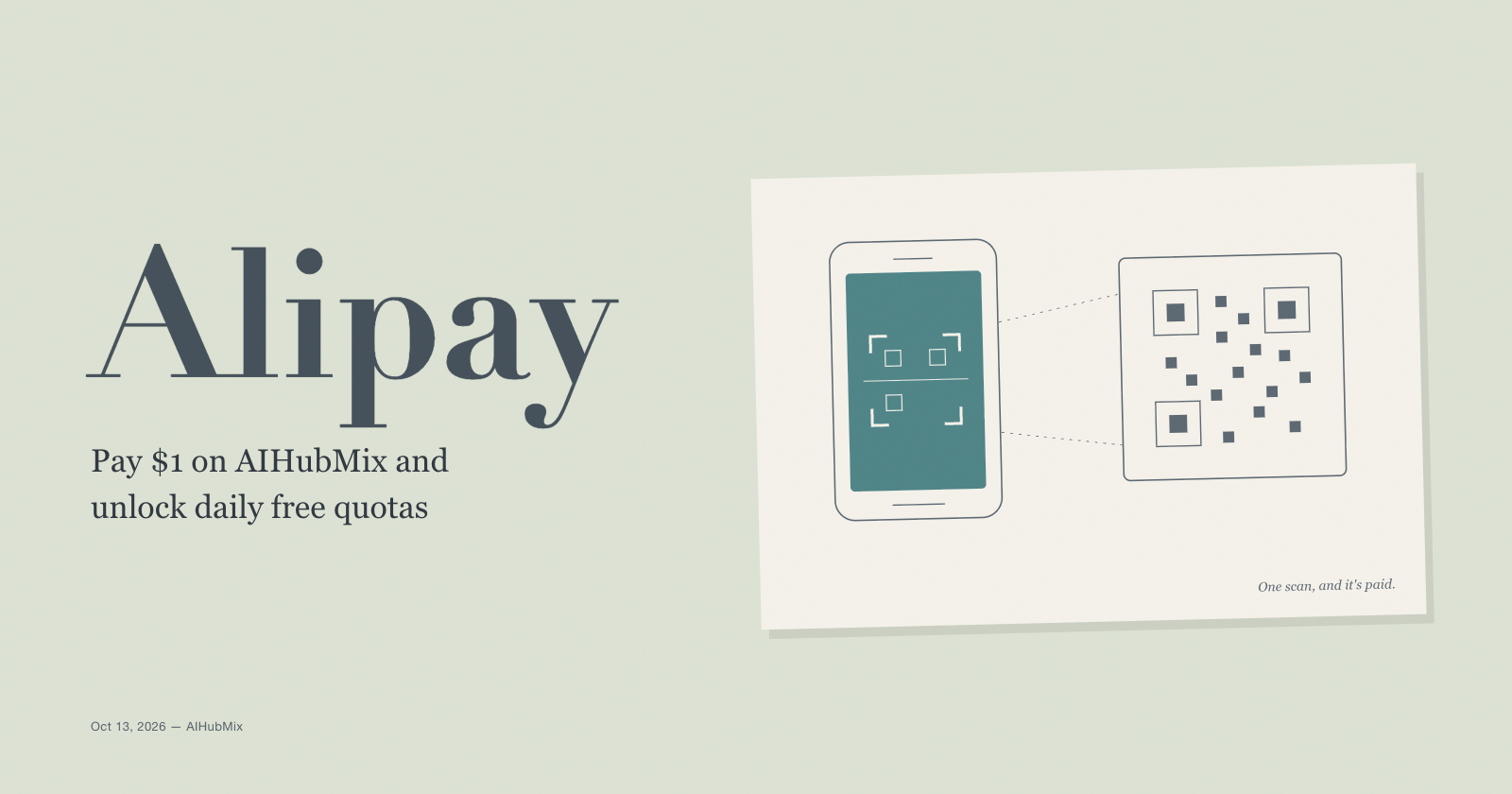
    How to Pay on AIHubMix with Alipay

    To unlock AIHubMix's free models for everyday use, you need one top-up of $1 or more. The $1 amount works through the Alipay option on the top-up page, paid from the Alipay app. Card checkout through Stripe, including the Alipay button inside the Stripe checkout, starts at $15. After any top-up of $1 or more, the AIHubMix free models page says your account "permanently" switches to daily quotas: 100 requests a day, 10 a minute, and 1M tokens a day across all free models. It's a one-time step,

    7 min readTutorial
  • How to Use AIHubMix Free Models in JanitorAI: Proxy Setup and Common Errors

    How to Use AIHubMix Free Models in JanitorAI: Proxy Setup and Common Errors

    JanitorAI can talk to any OpenAI-compatible API through its Proxy option, and AIHubMix is one. The whole setup is four values typed into one form: Name: anything you like, e.g. AIHubMix MiMo Proxy URL: https://aihubmix.com/v1/chat/completions API key: your AIHubMix key Model: xiaomi-mimo-v2.6-pro-free Leave Custom prompt empty, press Test, then Add, and refresh the page. That's it. Most failures reported in the JanitorAI community come from one of those four fields being sl

    8 min readTutorial
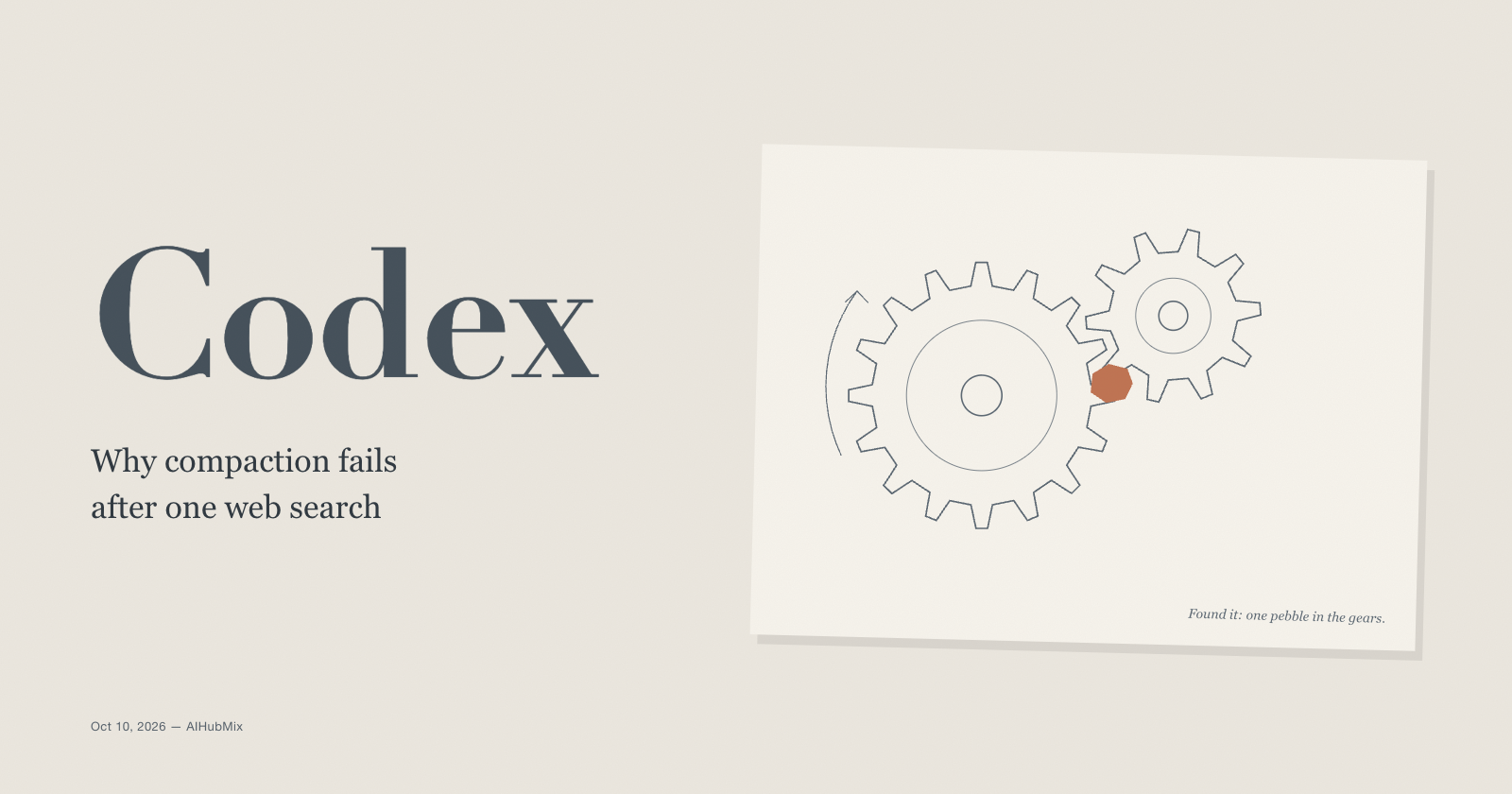
  • Codex Compaction Fails With "response protection is unavailable": It's the Web Search, Not Your Context

    Codex Compaction Fails With "response protection is unavailable": It's the Web Search, Not Your Context

    Since October 8, 2026, long Codex sessions have been dying the moment they try to compact. The error reads stream disconnected before completion: response protection is unavailable, retries don't help, and the conversation can't continue. Most reports involve gpt-6.1-sol, but gpt-6-astra and gpt-5.6-sol fail the same way. It shows up behind self-hosted proxies, and it also shows up in the official Codex app with a direct ChatGPT login. The short answer: the context isn't too big, and your netw

    8 min readTutorial
  • Migrating from Claude Haiku 4.5 to 5.5: Five 400 Errors and the Quiet Changes

    Migrating from Claude Haiku 4.5 to 5.5: Five 400 Errors and the Quiet Changes

    Changing claude-haiku-4-5 to claude-haiku-5-5 is the smallest part of this migration. Five request patterns that worked on Haiku 4.5 now return a 400 error, and several more changes fail no request but alter what you get back, what it costs, or how the model behaves inside an agent. Anthropic says existing Haiku 4.5 prompts should work well on Haiku 5.5 without changes. The request code around those prompts is a different story. This post lists each problem as you'll meet it: what you'll see,

    9 min readTutorial
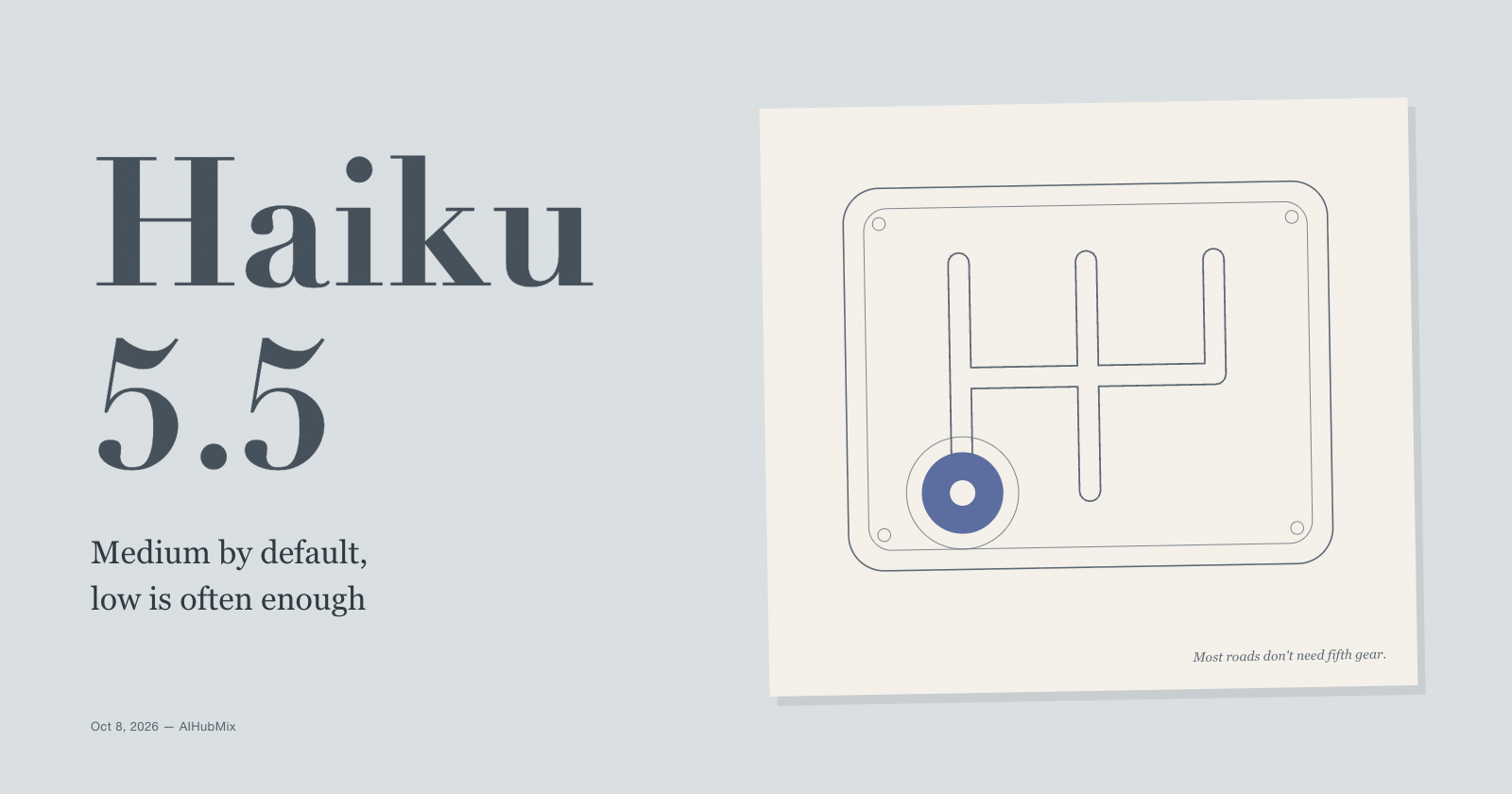
  • Claude Haiku 5.5 Effort Levels: Medium Is the Default, Low Is Often Enough

    Claude Haiku 5.5 Effort Levels: Medium Is the Default, Low Is Often Enough

    Claude Haiku 5.5 is the first Haiku with an effort setting, and the setting moves the bill more than anything else you control. In Artificial Analysis's independent runs, Haiku 5.5 at max effort scored 43 on its Intelligence Index and at low effort scored 29. Max also used 440 million output tokens to get through the index; low used 32 million. So the short answer: leave most work at the default, medium. Drop high-volume, simple routes to low. Raise knowledge work and strict instruction follow

    8 min readTutorial
  • Page Assist in Practice: Four Everyday Browser Workflows with Local and Cloud Models

    Page Assist in Practice: Four Everyday Browser Workflows with Local and Cloud Models

    Most AI chat tools live in their own tab. You copy text out of a page, paste it into a chat window, and copy the answer back. Page Assist removes that round trip: it is an open-source browser extension that opens a model in a sidebar next to whatever page you are reading, plus a full-tab web UI for longer conversations. It started as a front end for local models running in Ollama, and that is still the default. But it also accepts any OpenAI-compatible endpoint, which means the same sidebar can

    9 min readTutorial
  • Migrating to GPT-6.1 Sol: 9 Things That Can Go Wrong

    Migrating to GPT-6.1 Sol: 9 Things That Can Go Wrong

    Moving from GPT-6 Sol to 6.1 Sol looks like a one-line change, and the price is the same. But there are a few breaking changes and some shifts in behavior, so changing only the model name can get you errors, a surprise bill, or an agent that behaves differently. OpenAI's GPT-6 migration guide covers most of the official changes. This post adds the things that tend to bite in practice. They're ordered from "fails loudly" to "fails quietly." 1. reasoning_effort: "none" returns a 400 What you'l

    8 min readTutorial
  • Choosing a Reasoning Effort for GPT-6.1 Sol: low to max

    Choosing a Reasoning Effort for GPT-6.1 Sol: low to max

    GPT-6.1 Sol has five reasoning effort levels: low, medium (the default), high, xhigh, and max. The big change from GPT-6 Sol is that none and minimal are gone, so low is now the floor. This one setting drives both latency and cost. You never see reasoning tokens, but you pay for them at the output rate ($10 per million for 6.1 Sol on AIHubMix), and they take up room in the context window. Pick the wrong level and you can easily pay several times more than you need to. What each level is for

    6 min readTutorial
  • How to Use a Real Face in Seedance 2.5 with AIHubMix Real-Human Assets

    How to Use a Real Face in Seedance 2.5 with AIHubMix Real-Human Assets

    AI video becomes much more useful when the person on screen stays recognizable from one scene to the next. AIHubMix real-human assets provide a consent-based way to use an approved face in Seedance video generation while keeping authorization, asset processing, and generation as separate, verifiable steps. This guide explains what real-human video is, how the AIHubMix workflow works, why it is useful, and how to create a Seedance 2.5 video from a real face. It also explains the difference betwe

    5 min readTutorial