Claude Haiku 5.5 is the first Haiku with an effort setting, and the setting moves the bill more than anything else you control. In Artificial Analysis's independent runs, Haiku 5.5 at max effort scored 43 on its Intelligence Index and at low effort scored 29. Max also used 440 million output tokens to get through the index; low used 32 million.
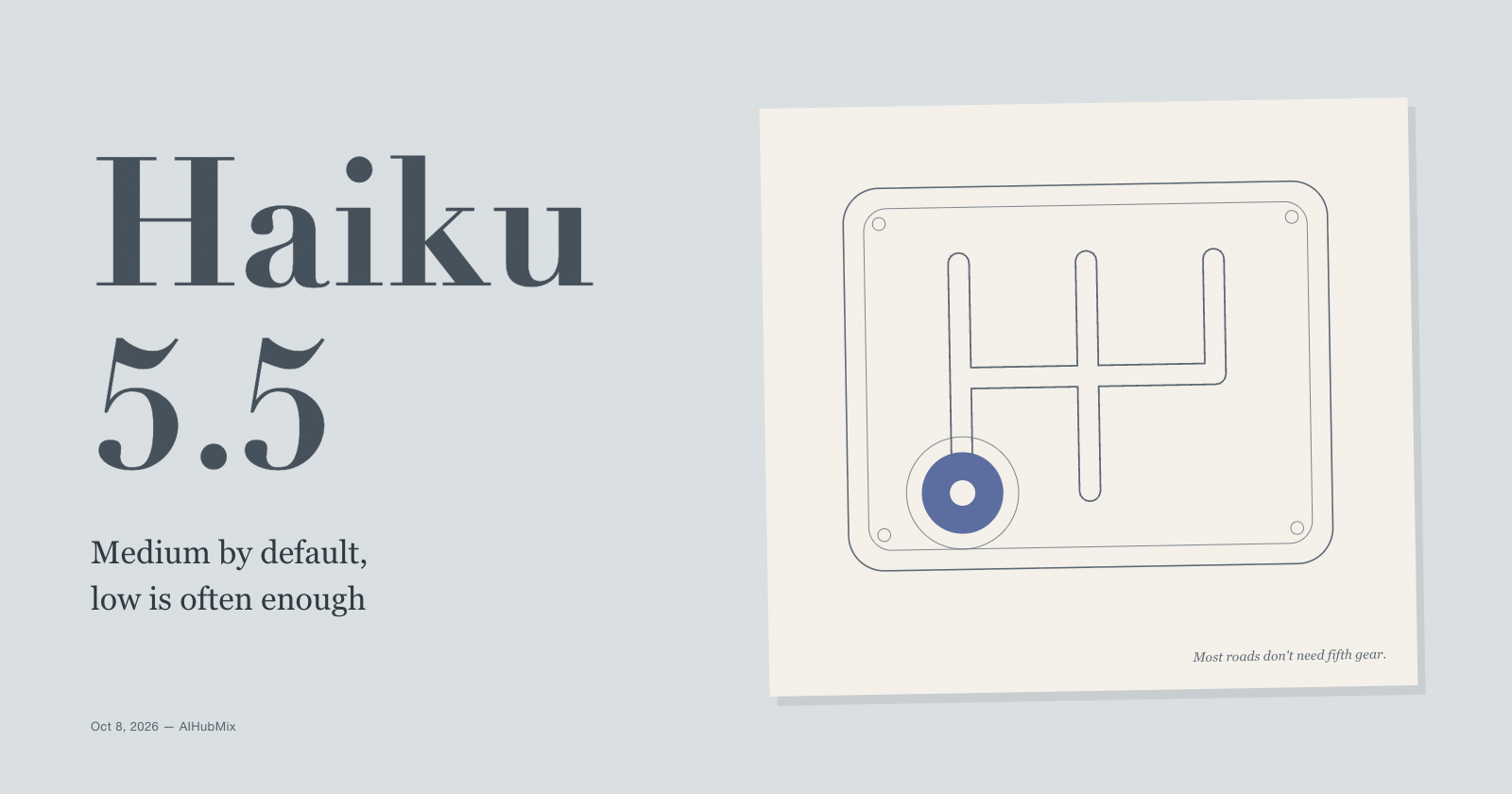
So the short answer: leave most work at the default, medium. Drop high-volume, simple routes to low. Raise knowledge work and strict instruction following to high. Treat xhigh and max as settings you need evidence for, and compare them against Sonnet 5.5 before you commit.
The rest of this post shows what each level costs, where moving up stops paying off, and which settings break or get expensive when you change effort.
What the setting is
Claude Haiku 5.5 supports five levels: low, medium, high, xhigh, and max. The default is medium, which is unusual: most current Claude models default to high, and only Haiku 5.5 and Opus 5.5 default one level lower. Sending medium is the same as leaving the parameter out.
Effort replaces the manual thinking budget that Haiku 4.5 used. A request with thinking: {"type": "enabled", "budget_tokens": N} now returns a 400, so there is no old number to carry over. Per Anthropic's effort documentation, you set it in output_config:
output_config={"effort": "low"}
Three facts frame everything below:
- Thinking is on by default. Haiku 5.5 runs adaptive thinking unless told otherwise. Lower effort means less thinking, and on simple requests the model can skip thinking entirely.
- Thinking tokens are output tokens. They count toward
max_tokensand bill at the output rate ($0.50 per million on prompts up to 100K tokens). - Asking for less thinking in the prompt doesn't work. In Anthropic's testing, the model still thought when the prompt told it to answer directly. Effort is the lever.
What each level costs
Two independent sources measured Haiku 5.5 across effort levels. Index figures come from Artificial Analysis; the FrontierCode figures come from Cognition's public result file, as compiled by Kingy.ai. Neither covers your workload, so treat them as the shape of the curve, not as your numbers.
Artificial Analysis Intelligence Index v4.3.2 (ten evaluations, from knowledge work to terminal tasks):
| Effort | Index score | Output tokens for the index | Cost per task | Time to first token |
|---|---|---|---|---|
| low | 29 | 32M | $0.02 | 9.9 s |
| medium | 34 | 54M | $0.05 | 13.4 s |
| high | 38 | 97M | $0.08 | 28.0 s |
| max | 43 | 440M | $0.21 | n/a |
Artificial Analysis did not publish an xhigh run. Its max-effort latency figure looked anomalous, so it is left out.
FrontierCode 1.1 Main, Haiku 5.5 running in Claude Code:
| Effort | Composite score | Cost per rollout | Output tokens per rollout |
|---|---|---|---|
| low | 34.8% | $0.06 | 23,868 |
| medium | 41.6% | $0.13 | 36,172 |
| high | 41.9% | $0.26 | 55,149 |
| xhigh | 45.8% | $0.63 | 100,847 |
| max | 46.4% | $1.33 | 181,387 |
Costs are rounded to the cent.
Read the two tables together and three things stand out.
Low to medium is the cheapest step up. On the index, it buys 5 points for about 1.7 times the output tokens. On FrontierCode, it buys 6.8 points for about twice the cost per rollout.
Medium to high can be flat. On FrontierCode, high scored 0.3 points above medium and cost about twice as much. On the broader index, high did add 4 points. Whether your workload looks like the first case or the second is exactly what a quick eval tells you.
The top two levels are expensive. From high to max on the index, output tokens rise about 4.5 times for 5 points. On FrontierCode, max costs about ten times what medium costs for 4.8 more points, and the step from xhigh to max roughly doubles cost for 0.6 points. Anthropic's own guidance says the same thing in plainer terms: use xhigh and max only where your evals show a gain, and compare them with Sonnet 5.5 on performance, cost, and speed first.
One more reason the default matters: Anthropic's launch benchmarks were run at max effort. The system card's medium-effort results are lower (1277 on GDPval-AA instead of 1620). If you deploy at the default, those are the numbers to compare against.
Where to start, by workload
| Workload | Start at | Move up when |
|---|---|---|
| Classification, routing, tagging | low | Labels drift on hard cases |
| Extraction from short documents | low | Fields are missed or merged |
| Chat and live support | low | Rules slip in long chats |
| Summaries and compaction | medium | Key details drop out |
| Subagent work under a larger model | medium | The lead model redoes the work |
| Agentic coding, narrow changes | medium | Tests fail on first attempt |
| Knowledge work, long agent tasks | high | Evals show headroom |
These starting points follow Anthropic's guidance for Haiku 5.5; the "move up" signals are what to watch for in your own logs.
The one row worth a second look is chat. Low is the fastest level, which suits live support. But Anthropic recommends high when instruction following matters most, for example a support assistant that must hold its system-prompt rules while a user argues. Test both on the conversations that went wrong in the past.
What breaks or gets expensive when effort changes
A small max_tokens can end the reply before it starts. Thinking counts toward max_tokens. A cap sized for a one-word classification, say 50 tokens, can be spent entirely on thinking, and the response ends with stop_reason: "max_tokens" and no text. Raise the cap to leave room, or lower effort.
Changing effort mid-conversation resets the cache. Changing the top-level effort value between requests invalidates the prompt cache for the conversation's messages. If an agent needs one hard turn at high inside a low conversation, Anthropic offers a per-message effort change (beta header mid-conversation-output-config-2026-07-01, Claude API and Google Cloud) that keeps the cache. It requires thinking to be on. Whether a gateway passes that beta header through is worth checking before you rely on it.
Turning thinking off has limits. thinking: {"type": "disabled"} is accepted at low, medium, and high. At xhigh or max it returns a 400. With thinking off, a per-message effort change also returns a 400, and the model may skip a tool call it needs when the same request asks for JSON output. Anthropic's advice is to keep thinking on and use a lower effort level instead.
Low effort can stop early. With a long coding-agent system prompt at low, Haiku 5.5 sometimes stops before the work is done and hands the task back. In Anthropic's testing, moving from low to medium roughly halved early stopping and more than doubled output tokens per attempt. The Haiku 5.5 prompting guide has a short "keep working until done" instruction that addresses the same problem at the lower price.
Low and medium can skip verification. On coding tasks, the model sometimes reports a change as done without running a test. The prompting guide has a verification paragraph for this; it costs tokens but raises the share of checked changes.
Xhigh can return an empty reply. In multi-turn chats at xhigh, the model sometimes writes its whole answer inside its thinking and ends the turn with no visible text. If you run at xhigh, check for empty text blocks.
Forcing a tool skips thinking. Haiku 5.5 accepts a forced tool_choice, but the response then starts with the tool call and no thinking. If the model needs to reason before calling the tool, use auto and say in the prompt when to call it.
Run your own effort sweep through AIHubMix
The fastest way to choose is to run the same 20 to 50 real prompts at two or three levels and compare quality, output tokens, and latency. Through the AIHubMix Claude native endpoint, with AIHUBMIX_API_KEY set:
import os
import time
import anthropic

client = anthropic.Anthropic(
    api_key=os.environ["AIHUBMIX_API_KEY"],
    base_url="https://aihubmix.com",
)

prompts = [
    "Summarize this support ticket in one sentence: ...",
    "Extract the invoice number and total from: ...",
]

for effort in ["low", "medium", "high"]:
    out_tokens, seconds = 0, 0.0
    for prompt in prompts:
        start = time.time()
        r = client.messages.create(
            model="claude-haiku-5-5",
            max_tokens=8000,
            output_config={"effort": effort},
            messages=[{"role": "user", "content": prompt}],
        )
        seconds += time.time() - start
        out_tokens += r.usage.output_tokens
        text = next((b.text for b in r.content if b.type == "text"), "")
        # Save `text` next to the prompt and grade it against your own rubric.
    print(f"{effort}: {out_tokens} output tokens, {seconds:.1f}s total")
If output tokens barely change between low and high, the setting is probably not reaching the model; check the request your gateway forwards. On the Haiku 5.5 page on AIHubMix, the per-token price is the same at every effort level, so the token count from this sweep converts straight into dollars.
FAQ
What is the default effort level for Claude Haiku 5.5?
Medium. Most current Claude models default to high, so code that relied on the default for another model will run Haiku 5.5 one level lower unless it sets effort explicitly.
Can I turn thinking off completely?
At low, medium, and high effort, yes, by setting thinking to disabled. At xhigh and max that returns an error. Anthropic recommends lowering effort instead, because the model can skip thinking on simple requests by itself and keeps its tool-calling behavior intact.
Which effort level is cheapest?
Low. In Artificial Analysis's runs it used about 32 million output tokens for the whole index against 54 million at medium and 440 million at max. The per-token price is the same at every level; the difference is how many tokens get generated.
Is max effort worth it on Haiku 5.5?
Only with evidence from your own evals. On FrontierCode, max cost about ten times as much as medium for a 4.8-point gain. At that point Anthropic suggests comparing against Sonnet 5.5, which may reach the same quality for less.
Why do my responses stop with no text?
Usually because thinking used up max_tokens before the answer began. Raise max_tokens or lower effort. At xhigh in multi-turn chats, an empty reply can also mean the model put its answer inside its thinking.
Does changing effort affect prompt caching?
Yes. Changing the top-level effort between requests invalidates the cached messages for that conversation. A per-message effort change, currently in beta, avoids that.
Why don't the launch benchmarks match what I see at the default?
The launch figures were run at max effort. At medium, the system card reports lower scores, for example 1277 instead of 1620 on GDPval-AA.
Keep reading: the Claude Haiku 5.5 series
- Effort decides how many tokens you generate. For how Haiku 5.5 compares with Haiku 4.5, GPT-6 Luna, and Sonnet 5.5 at the top of the range, read Claude Haiku 5.5 vs Haiku 4.5: What Ten Cents Now Buys
- Thinking tokens are billed as output, and prompt length picks the rate card. To turn your effort choice into a monthly bill, read Claude Haiku 5.5 Pricing: The 100K Line Behind the 90% Cut
- Effort replaces the old thinking budget, and the old budget now returns an error. For that fix and the rest of the switch from Haiku 4.5, read Migrating from Claude Haiku 4.5 to 5.5: Five 400 Errors and the Quiet Changes
Sources
- Effort (Claude Platform Docs)
- Prompting Claude Haiku 5.5 (Claude Platform Docs)
- Claude Haiku 5.5 on AIHubMix
- Claude Haiku 5.5 Intelligence, Performance & Price Analysis (Artificial Analysis)
- Claude Haiku 5.5: Benchmarks, Specs, Sol & Luna Compared (Kingy.ai)