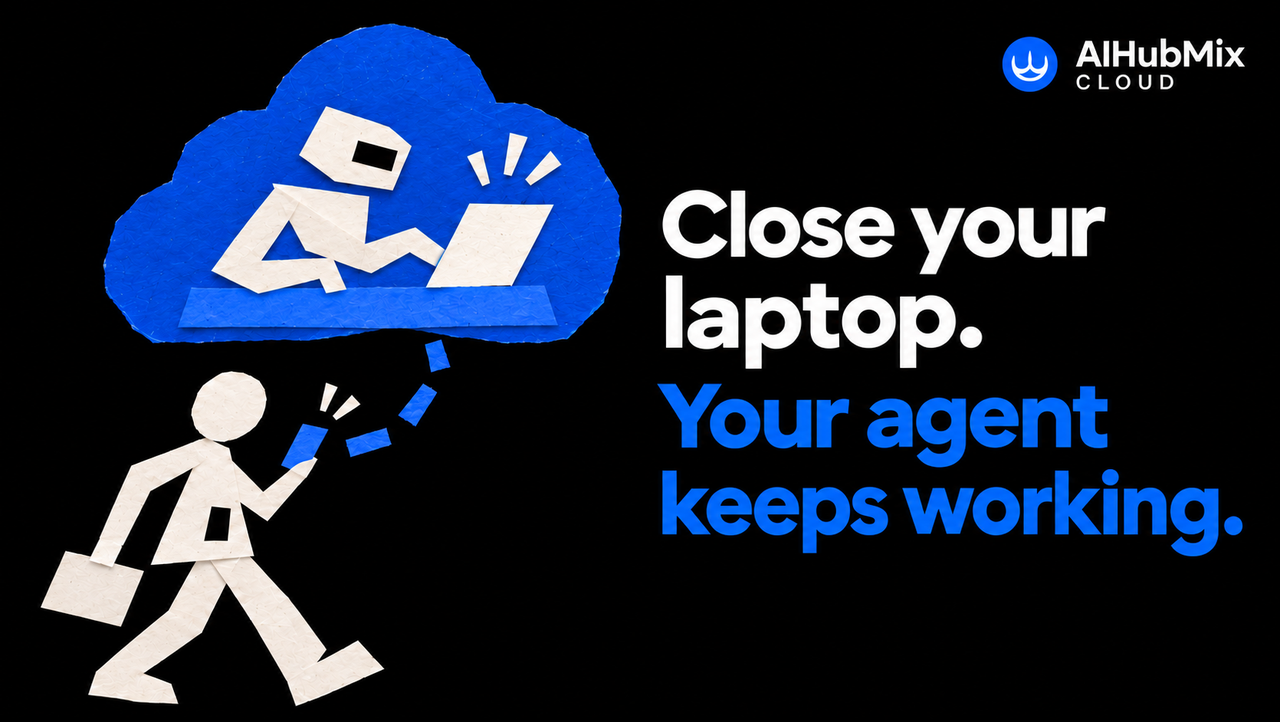
You’ve asked Claude Code or Codex to check this week’s sales spreadsheets. There are still a few files to go through, and you need to head out. When the job runs on your laptop, you have a choice to make on your way out the door: leave it open or finish later.
AIHubMix Cloud gives your agent a cloud computer that stays on. Put the spreadsheets there and start the job. You can quit the local app and close your laptop. If you remember on the way out that one file shouldn’t count toward the total, tell your agent from your phone. You can also check its progress or take over yourself.
Connect the Claude Code or Codex account you already use, or start with one of the built-in models: Claude, GPT, DeepSeek, or GLM. Where the work runs is up to you. Use the cloud computer for jobs that need to keep running after your laptop shuts down. For jobs that need files or software on your own computer, grant the agent access and keep that computer on, online, and awake.
Give your community bot a place to run
Community members don’t wait for you to open your laptop before they ask a question. Say you want a bot to answer from your help docs and notify a teammate when an issue needs a follow-up. You could give the agent this brief:
Build a community Q&A bot using the help docs I provide, and run it on the cloud computer. Use the docs to answer questions about the product. When someone reports an issue that needs follow-up, notify the team.
Connect the community platform account and the APIs the bot needs. Your agent can help set it up and troubleshoot it. Once the bot is running on the cloud computer, closing your laptop doesn’t take it offline. When the help docs change, you can send the new material from your phone and ask the agent to update the bot’s answers.
Pick up next week’s sales report where this one ends
For the first report, put your sales spreadsheets on the cloud computer. Ask the agent to organize them by date, flag duplicates and missing data, and prepare a trend report from the cleaned records. Keep the source files, the cleaned data, and the report together in the project.
When next week’s file arrives, your instructions can be short: “Add this to last week’s data. Use the same checks for duplicates and missing values, then update the trend report.” You bring the new file. The earlier records and the report you want to update are already there.
Work on local files from your phone
Not every job needs to move to the cloud. Your invoices might already be on your office computer, for instance. If the agent has permission to access those files and the computer stays online and awake, you can give it a task from your phone:
Review these invoices. Group them by month in a list and suggest a new name for each file. Don’t move or rename anything until I confirm.
Review the list on your phone, then tell the agent to go ahead. The phone is where you give instructions; the office computer is where the files are being handled. That machine still needs to stay on.
100 cloud computers at launch
The launch offer is US$19.90 for the first month, then US$49.90 per month. Each cloud computer comes with 4 CPU cores, 8 GB of RAM, 120 GB of storage, and 1 TB of monthly data transfer. It runs Ubuntu 24.04 LTS and includes a dedicated public IP address. There are 100 cloud computers in the first release, with a waitlist once they’re taken.
For a first task, start with something already on your desk. Upload this week’s sales sheets, tell the agent what to check, and close your laptop when you need to leave. You can see how far it’s gotten from your phone.
FAQ
Do I need to rent a server?
No. AIHubMix Cloud provides the cloud computer and includes model credits. For a project such as a community bot, you still need to connect the relevant platform account and APIs.
Can I use my own Codex or Claude Code account?
Yes. Connect your account to use it on the cloud computer, or choose one of the built-in models.
Which jobs keep running when I shut down my computer?
Jobs running on the cloud computer can continue. If the agent is using files or software on your own machine, that machine needs to stay on, online, and awake.
Will my files be there next time?
You can keep project files and results on the cloud computer and use them again when you return to the project.
What’s a good first task if I don’t code?
Try organizing a spreadsheet or asking for a list of proposed filenames. Describe which files to use, what you want back, and which changes need your approval first.
Can I do more than check progress from my phone?
Yes. You can give new instructions, such as asking the agent to skip a particular spreadsheet, or take over when you need to.