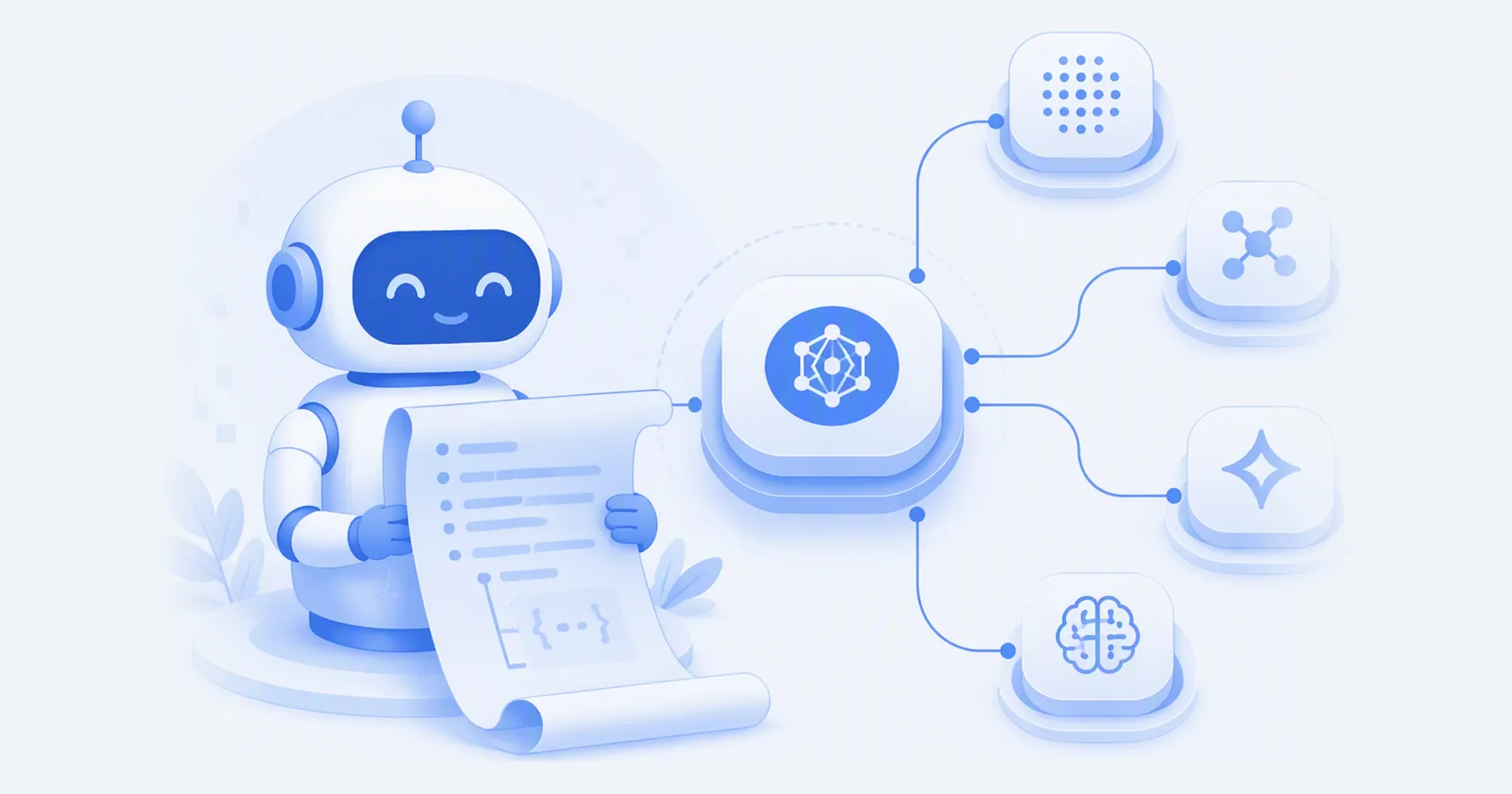
The desktop app finds the agents you already have installed, writes the config each one needs, and takes it all back when you want out. It ships with a launch promotion: DeepSeek V4.1 Flash 1017 at 50% off for two weeks.
Tl;dr
- AIHubMix Desktop 1.0.0 is out for macOS 12+ and Windows: one key for more than 700 models, and an app that sets your agents up to use it. The app is free; your agents' requests bill to your AIHubMix balance as usual.
- It scans the machine for agents you already have — eleven at launch, Claude Code and Codex among them — and writes the configuration each one needs when you connect it.
- Launch promotion: DeepSeek V4.1 Flash 1017 at 50% off through 12 November 2026, from $0.0775 per million input tokens and $0.31 per million output tokens.
Why a desktop app at all
Every coding agent reads its own configuration. Claude Code wants environment variables, Codex wants config.toml with a provider block, Gemini CLI wants a base URL and a key in the shell, OpenCode wants JSON. Each has its own docs page and its own idea of where a model list belongs. Getting one of them onto a gateway is a ten-minute job; getting four of them onto the same gateway, and keeping them there across two version bumps, is the kind of maintenance nobody schedules.
The failure mode is quiet, too. An agent keeps answering — just from a provider you did not intend, billed to an account you did not mean to use. Or the key ends up pasted into a file that later gets committed.
AIHubMix Desktop is aimed at that gap. It is not another chat client: it does not have a conversation window. It is the setup layer for the agents you already run.
What the app actually does
Scan. On launch the app looks for supported agents, reports the version and install path of each, and marks whether the installation is usable.
Connect. It writes the endpoint, the model list and the credentials an agent needs, and leaves the rest of the file alone.
Verify. Connecting sends a small billable test request for each model it sets up, and checks that the request really arrived at the gateway. An HTTP 200 from the wrong provider on the other end does not count as verified.
Switch. Model, default model, reasoning effort and approval mode are set from the app rather than from a file. Reasoning levels are filtered per model — the app only offers levels the model declares, with the full catalog on the models page. Codex CLI and Codex Desktop share one config file, so a change made for one applies to both.
Disconnect. It removes only what it wrote. Your own edits to those files stay, and the previous settings come back. There is no "restore from memory" step, because the app recorded what it replaced.
The split of labour, side by side:
| Job | By hand | In Desktop |
|---|---|---|
| Point an agent at the gateway | edit each tool's config | one Connect click |
| Add or change a model | edit the file, then restart | pick it in the app |
| Reasoning effort | hope the tool validates | levels filtered per model |
| Roll back | remember the old values | Disconnect restores them |
| Where the key lives | usually a config file | the OS keychain |
Keys go into the macOS Keychain or Windows Credential Manager, not into a plaintext file in your home directory. That is the part most manual setups get wrong, because the path of least resistance is export ANTHROPIC_AUTH_TOKEN=... in a shell profile.
Install and connect
- Download the installer for your platform from the latest release. macOS needs 12 or later; both Mac builds are signed and notarized. Windows installers are not Authenticode-signed yet, so SmartScreen may ask you to confirm the publisher, and the WebView2 runtime may need an internet connection during setup.
- Sign in with your AIHubMix account. The app holds a client key for the agents it configures; if that key is ever revoked or leaked, it can be reissued and rewritten into the connected agents from the app.
- Choose the agents to connect, then press Connect. Tools that cache their configuration need a restart — Claude Desktop has to be fully quit, not just closed, and Codex's background service needs
codex app-server daemon restartbefore new terminal sessions pick up the change.
That is the whole setup. The per-tool instructions are still there for anyone who prefers them: the gateway works the same way whether you use the app or write the files yourself — Claude Code, Codex and Gemini CLI each have a page, and the app is a shortcut over exactly that configuration.
The eleven agents
At launch the app detects and configures eleven agents, among them Claude Code, Claude Desktop, Codex (the CLI and the desktop app are managed together), Gemini CLI, OpenCode, MiniMax Code, OpenClaw, Hermes and Pi. What it offers you is what it finds on the machine: an agent that is not installed does not appear in the list.
Two connection styles run underneath. Some agents take a whole provider entry, which means the model list and default are managed in one place; others take a single endpoint and key, and the model is chosen inside the tool. The app keeps the two apart per agent, so connecting one never rewrites the settings of another. Where two tools share a file — Codex CLI and Codex Desktop, for instance — the change is shown once and applied to both.
Version drift is the one case the app refuses to paper over. Codex CLI and the CLI inside Codex Desktop must be close enough in version to share a model list; when they are too far apart, the app blocks the connection and says so, rather than writing a list the older one cannot read.
The launch promotion: DeepSeek V4.1 Flash 1017 at half price
To mark the launch, DeepSeek V4.1 Flash 1017 is 50% off for two weeks, through 12 November 2026. Both price segments are halved, cached reads included.
| Price per 1M tokens | List | Launch promotion |
|---|---|---|
| Input, off-peak | $0.155 | $0.0775 |
| Output, off-peak | $0.62 | $0.31 |
| Cached input, off-peak | $0.0031 | $0.00155 |
| Input, peak | $0.3098 | $0.1549 |
| Output, peak | $1.2392 | $0.6196 |
Peak hours are 01:00–04:00 and 06:00–10:00 UTC; the rest of the day is off-peak. It is the same model on the same endpoint, deepseek-v4.1-flash-1017 — a 1M-token context, up to 393K output tokens, vision input, tool calling and prompt caching.
For context, DeepSeek's own list price is $0.15 per million input and $0.60 per million output at off-peak, doubling at peak. During the promotion the gateway's input rate is about half of DeepSeek's own off-peak rate.
The promotion is a reasonable place to point an agent that reads a lot. Take a heavy day of coding-agent work: 20M input tokens with 18M of them served from cache, plus 2M output tokens.
At list prices that day costs $0.31 for the uncached input, $0.0558 for the cached reads and $1.24 for the output — about $1.61. At promotional rates the same day is $0.155, $0.0279 and $0.62 — about $0.80. The arithmetic is per-token prices above multiplied by the token counts in this paragraph; your own split will differ.
What to check before you connect
- Windows: no Authenticode signature yet, so expect a SmartScreen prompt. macOS builds are notarized.
- Shell environment: if your terminal exports a base URL or key for an agent, it takes priority over the config file the app writes, and the terminal wins. The app flags this rather than silently losing the fight.
- Existing conversations: a model or reasoning level you picked in an open session can stay with that session. New sessions take the new default.
- Hermes reasoning menu: Hermes' own menu cannot filter reasoning levels per model, so it may show levels a model does not support. Use the levels the app lists.
- Managed machines: if the config file is read-only or admin-owned, the app reports it and leaves the file alone.
Download the app, connect the agents you already run, and give the promotion a try with the one that reads the most. The half-price window on DeepSeek V4.1 Flash 1017 closes on 12 November 2026.
FAQ
Is the app free?
It is free to download. Your agents' requests are billed to your AIHubMix balance at normal per-token prices, the same as any API call, and you can see the balance and today's spend inside the app.
Does it work without the desktop app?
Yes. Every agent it configures can be set up by hand from the docs. The app automates those edits and keeps track of what it changed; it is not a requirement for using the gateway.
What happens to my existing configuration?
Connecting edits only the fields the gateway needs: endpoint, model list, credentials. Everything else in the file is left as it is. Disconnecting removes the fields the app wrote and restores the values it replaced.
Where is the API key stored?
In the macOS Keychain or Windows Credential Manager, not in plaintext in a config file. The app can reissue the key and rewrite it into the connected agents if it is revoked.
Why does an agent still use the old model after connecting?
Most tools read their configuration at startup. Quit the tool completely and reopen it — for Claude Desktop, closing the window is not enough.
Which agents are supported?
Eleven at launch, including Claude Code, Claude Desktop, Codex, Gemini CLI, OpenCode, MiniMax Code, OpenClaw, Hermes and Pi. The app only lists agents it can actually find on your computer.
Is the discount applied automatically?
Yes. Requests to the model ID are billed at the promotional rate until 12 November 2026, with no code or coupon. Billing after that date returns to list prices.
Sources
- AIHubMix Desktop 1.0.0 release notes — version, platforms, signing, updater
- AIHubMix desktop download — installers, supported platforms, model count
- DeepSeek V4.1 Flash 1017 on AIHubMix — specifications and pricing, including the promotional offers and their validity date
- AIHubMix docs: Claude Code, Codex, Gemini CLI — manual setup for the agents the app also configures
- DeepSeek API change log — the vendor's own model naming and list prices