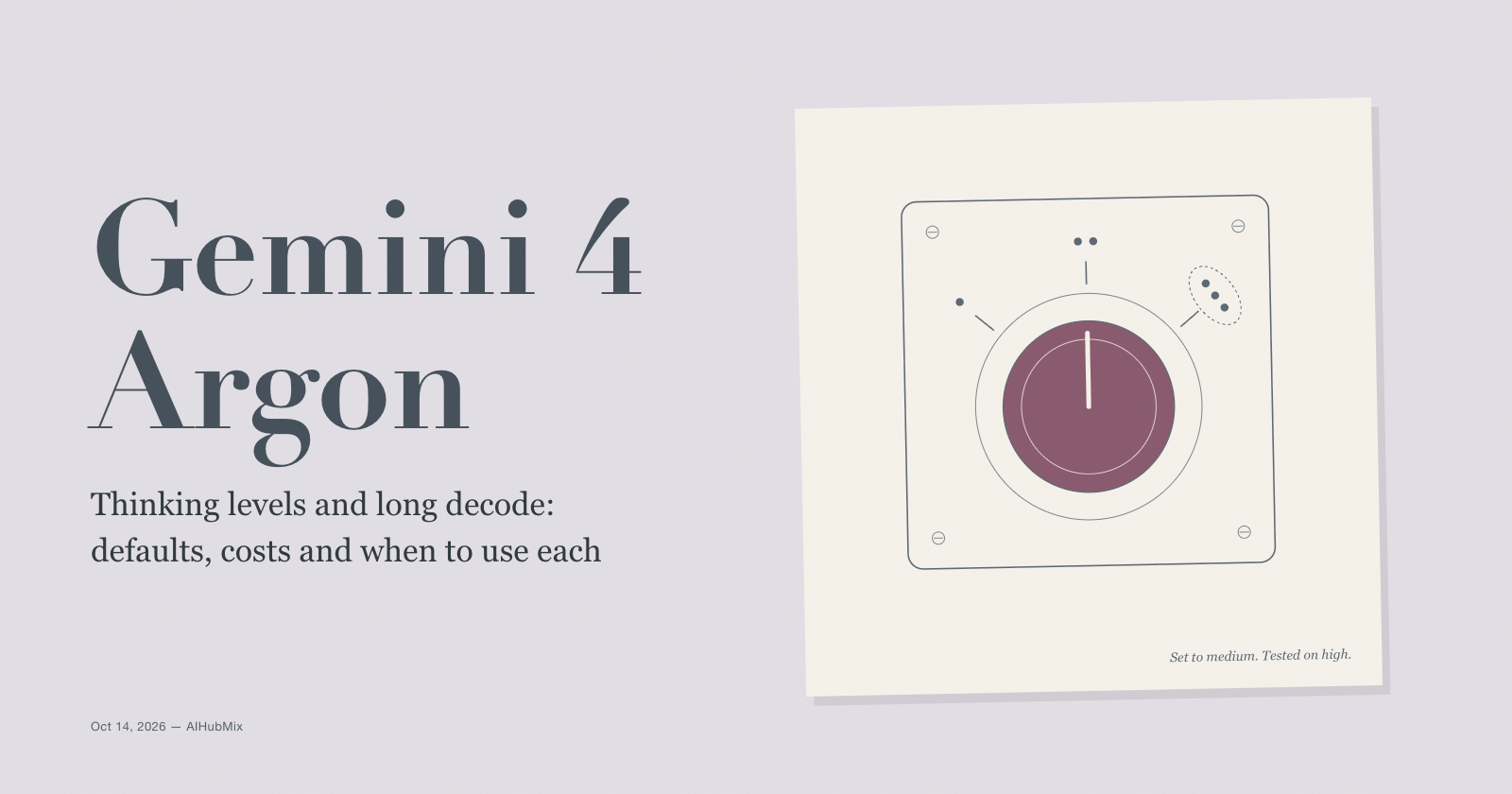
Gemini 4 Argon became generally available on October 13, 2026, and with it Google documented the two settings that decide what an Argon request costs and how long it takes: the thinking level and the output limit. Argon offers three thinking levels, low, medium and high, and defaults to medium. Responses stop at 64K tokens unless you turn on long decode, which lets a single response run to 1M tokens.
There's a catch in the defaults. Every published Argon benchmark ran at high: Google evaluated it "with the highest thinking settings", Artificial Analysis tested it at high, and Vals AI ran it at high. A request that doesn't set a level runs at medium, so it isn't the configuration those scores describe.
This post covers the three levels and Google's advice on each, what high costs in tokens and time, how to set the output limit so answers don't come back empty, and how long decode works and is billed. It ends with code for AIHubMix.
The short version
- Argon has three thinking levels: low, medium (the default) and high. Thinking can't be turned off.
- Every published benchmark used high. Nobody has published results at medium or low.
max_output_tokenscaps thinking and answer together. Set it to at least 32,768, or a hard prompt can spend the whole budget thinking and return nothing.- Without long decode, a response stops at 65,536 tokens. With it, a response can run to 1,048,576 tokens minus your input.
- Long decode bills every token of every 64K "hop", and each hop re-reads everything written so far as input, discounted 95% by implicit caching.
The three levels
Google's What's new in Gemini 4 Argon guide describes the levels like this:
| Level | Token use | Google recommends it for |
|---|---|---|
| low | Fewest tokens, lowest latency | Simpler and cost-sensitive work |
| medium (default) | Balanced | Most tasks, incl. complex code and agents |
| high | Most tokens, slowest first token | The hardest reasoning, math and code |
Google warns that at low, "quality can drop on hard tasks", and its advice for choosing is direct: "Run your evaluations at all three levels, then pick the lowest level that meets your quality bar."
On the native API the setting is thinking_level, documented in the Gemini thinking guide. Through an OpenAI-compatible endpoint it's reasoning_effort. Google's OpenAI compatibility guide maps the values for Argon: minimal and low both become low, medium stays medium, high stays high, and leaving it out gives the default, medium. There is no level that turns thinking off.
The default is medium. The benchmarks are high.
Google, Artificial Analysis and Vals all report Argon at high. Vals also set a 262,144-token output cap. So the scores you've seen describe Argon at its top level, and a request with no level set runs one step lower.
That isn't necessarily a problem. Medium is the level Google recommends for most work, including complex code and agents, and it uses fewer tokens than high. But nobody has published how much accuracy medium or low gives up, or how many tokens they save. [TBD: accuracy and tokens by thinking level]
One more detail matters for comparisons. GPT-6 Astra and GPT-6.1 Sol were tested at "max", a level above high. A tie between "Argon (high)" and "Astra (max)" is each model at its ceiling, not at matching settings.
What high costs
Figures here come from Artificial Analysis, including its provider speed tests, and from Vals AI. All of them ran Argon at high.
| Measure | Gemini 4 Argon (high) | For comparison |
|---|---|---|
| Output tokens per AA task | ~62k | GPT-6 Astra (max): ~27k |
| Output tokens for the AA index | 110M | Median model: 85M |
| Output speed | 99.5–116.5 tokens/s | AI Studio / Vertex AI |
| Time to first answer token | ~45 s | Includes thinking time |
| Vals Index time per test | 46 min 33 s | — |
Thinking tokens are billed as output: Google lists Argon's output price "including thinking tokens", and the usage data reports them as total_thought_tokens. At ~62k output tokens per task, a task costs about $0.62 in output alone at Google's introductory $10 per million, and about $1.24 at $20 per million, the price from December 1.
Time follows tokens. At 99.5 to 116.5 tokens per second, 62k tokens take roughly 9 to 10 minutes to generate, after a wait of about 45 seconds for the first answer token. Interactive products need streaming and a progress indicator at high, or a lower level.
Setting the output limit
max_output_tokens is a hard limit on thinking and answer together. When a response reaches it, the status is "incomplete" and the text comes back cut off or empty, and the thinking tokens are still billed. Google's guidance:
- If your app sets a limit below 32K, raise it to at least 32,768. Argon can spend more of the limit on thinking than earlier models.
- To spend less, lower the thinking level instead of setting a small limit.
- Without long decode, the default and maximum is 65,536 tokens. Asking for more without long decode returns a 400 error.
- Input, thinking and output share one 1,048,576-token window. If your input plus
max_output_tokensexceeds it, the output limit shrinks to fit.
Two more changes from Gemini 3. Temperature, top_p and top_k are ignored on Argon, so tuning them does nothing. And hard prompts can take several minutes, so Google recommends HTTP client timeouts of at least 15 minutes.
Long decode: responses past 64K tokens
Long decode is what Google announced at launch as Long Decode Continuation. The long decode guide describes two ways to run it.
Background execution (Interactions API). Create the interaction with background=True and max_output_tokens above 65,536. Background execution needs store=true. The server writes the response in hops of up to 64K tokens, each continuing where the last stopped, for up to 24 hours. Each hop adds a model_output step, so join them when the interaction completes. Set background=True without raising max_output_tokens and it stops at 64K.
Client-side continuation (generateContent API). Each hop returns up to 64K tokens when streaming or through the SDK, 32K for a non-streaming REST call. A hop that hits its cap ends with finish_reason: CONTINUATION and a continuation_token, and the next request sends the same input plus the token. Recent SDKs do this for you: Python google-genai 2.30.1 and JavaScript @google/genai 2.29.1 or later. Each request has a 20-minute limit.
When streaming a long decode, save the interaction ID and the latest event_id, reconnect with last_event_id when the stream drops, and set read timeouts of 15 to 20 minutes. After the first 64K tokens, the stream arrives in chunks of about 5,000 tokens with pauses between them.
Google is clear about when it's worth it:
| Workload | Long decode? |
|---|---|
| Hard math, science and proofs | Yes |
| The hardest coding and agent tasks | Yes |
| Eval harnesses that stop at the limit | Yes |
| Chat, Q&A, summaries, extraction | No, they finish under 32K |
| Requests for a fixed length | No, length targets are ignored |
| Agents with many short tool turns | No |
| Prompts near the 1M input limit | No |
| Latency-sensitive calls | No |
A higher limit gives the model room to think; it doesn't make normal answers longer. The model decides how much to write, and it doesn't follow word or token targets.
How long decode is billed
You pay for every token in every hop, including hops that contain only thinking. Each hop also sends your prompt plus everything generated so far back to the model as input, so those tokens count again. Google's example: a 1,000-token prompt that produces 200,000 tokens of thinking and output takes four hops.
| Hop | Input sent to the model | Input tokens |
|---|---|---|
| 1 | Prompt | 1,000 |
| 2 | Prompt + hop 1 | 66,536 |
| 3 | Prompt + hops 1–2 | 132,072 |
| 4 | Prompt + hops 1–3 | 197,608 |
| Total | 397,216 |
The usage data reports about 397,000 input tokens, even though the context only holds about 201,000. Implicit caching discounts the repeated input by 95%, so it's cheap: at the introductory prices, the 200,000 output tokens cost $2.00, and about 396,000 repeated input tokens at $0.10 per million add about $0.04. Output still dominates the bill.
Two side effects. Don't use total_input_tokens to decide when to trim or summarize a conversation, since it overstates the context; add your prompt size to the output and thinking totals instead. And cancelled or failed interactions bill all the work done before they stopped.
Where to start, by workload
These follow Google's level guidance; no published per-level accuracy exists to refine them.
| Workload | Start at | Why |
|---|---|---|
| Hardest math, science and code | High | Matches the published benchmarks |
| Complex code and agents | Medium | Google's recommended default |
| Legal and finance analysis | High | Published results are at high |
| Extraction and classification | Low | Simpler, cost-sensitive work |
| Chat and support | Low | Lowest latency |
Then test one level down. If the cheaper level meets your bar on your own evaluation set, keep it.
Keep the level fixed within a session. Argon caches implicitly, discounting repeated input by 95% for prompts of at least 4,096 tokens, and the AIHubMix Gemini guide notes that a cache hit needs the same content, model and parameters. Switching levels between turns may turn cached input back into full-price input.
Setting the level and the limit on AIHubMix
Argon is on AIHubMix as gemini-4-argon, on the OpenAI-compatible endpoint and through the native Google GenAI SDK. For most requests, set the level and the limit explicitly:
import os
from openai import OpenAI

client = OpenAI(
    base_url="https://aihubmix.com/v1",
    api_key=os.environ["AIHUBMIX_API_KEY"],
    timeout=900,  # hard prompts can take several minutes
)

resp = client.chat.completions.create(
    model="gemini-4-argon",
    reasoning_effort="medium",  # Argon's default; the benchmarks used "high"
    max_tokens=32768,           # caps thinking and answer together
    messages=[
        {"role": "user", "content": "Review this payment service for race conditions in its retry logic.\n\n<source code>"},
    ],
)
print(resp.choices[0].message.content)
print(resp.usage)
For long decode, use the native SDK pointed at AIHubMix's Gemini endpoint. AIHubMix's guide documents the Interactions API there, including background mode, with google-genai 2.0.0 or later. The pattern below is Google's documented one; it hasn't been tested through AIHubMix yet. [TBD: long decode through AIHubMix]
import os
import time
from google import genai

client = genai.Client(
    api_key=os.environ["AIHUBMIX_API_KEY"],
    http_options={"base_url": "https://aihubmix.com/gemini"},
)

interaction = client.interactions.create(
    model="gemini-4-argon",
    input="Write the full test suite for this payment module, with a test for every edge case.\n\n<source code>",
    background=True,
    generation_config={"max_output_tokens": 262144, "thinking_level": "high"},
)
while interaction.status in ("in_progress", "queued"):
    time.sleep(5)
    interaction = client.interactions.get(id=interaction.id)

# Each hop adds a model_output step; join them all.
text = "".join(
    part.text
    for step in interaction.steps
    if step.type == "model_output"
    for part in step.content
    if part.type == "text"
)
print(interaction.status, interaction.usage)
Argon's AIHubMix model page lists its supported inputs, capabilities and current price.
FAQ
What thinking levels does Gemini 4 Argon support?
Low, medium and high. The default is medium, and thinking can't be turned off.
Which level were Argon's benchmarks run at?
High. Google, Artificial Analysis and Vals AI all report Argon at high, and nobody has published results at medium or low.
How do I set the level through the OpenAI SDK?
Use reasoning_effort. For Argon, minimal and low map to low, medium to medium and high to high. Leave it out to get medium.
Why did Argon return an empty answer?
It probably spent the whole max_output_tokens budget on thinking. The response comes back incomplete and the thinking tokens are still billed. Raise the limit to at least 32,768 or lower the thinking level.
How do I get more than 64K output tokens?
Use long decode. On the Interactions API, set background to true and max_output_tokens above 65,536. On generateContent, use a recent SDK, which continues across hops automatically.
How is long decode billed?
You pay for every token in every hop. Each hop re-sends the prompt and everything generated so far as input, and implicit caching discounts that repeated input by 95%. Cancelled or failed runs bill the work already done.
Does temperature still work on Gemini 4 Argon?
No. Temperature, top_p and top_k are ignored, so remove them and use the thinking level to control behaviour.
Keep reading: the Gemini 4 Argon series
- Before tuning settings, check whether Argon is the right model for your workload at all: Gemini 4 Argon: Frontier Scores, a 1M-Token Output Limit, and How to Call It Now
- High thinking is what makes Argon's tasks expensive. Measured cost per task, from two independent testers: Gemini 4 Argon Pricing: Cheap Per Token, Not Per Task
- The thinking default, the output limit and ignored sampling parameters are three of the changes on the migration checklist: Moving to Gemini 4 Argon from Gemini 3.1 Pro or 3.8 Flash: What Breaks and How to Fix It
Sources
- What's new in Gemini 4 Argon (Google AI for Developers)
- Gemini thinking (Google AI for Developers)
- Long decode (Google AI for Developers)
- Gemini 4 Argon: Google is back as one of the top three labs in intelligence achieved (Artificial Analysis)
- Gemini 4 Argon on AIHubMix (AIHubMix)