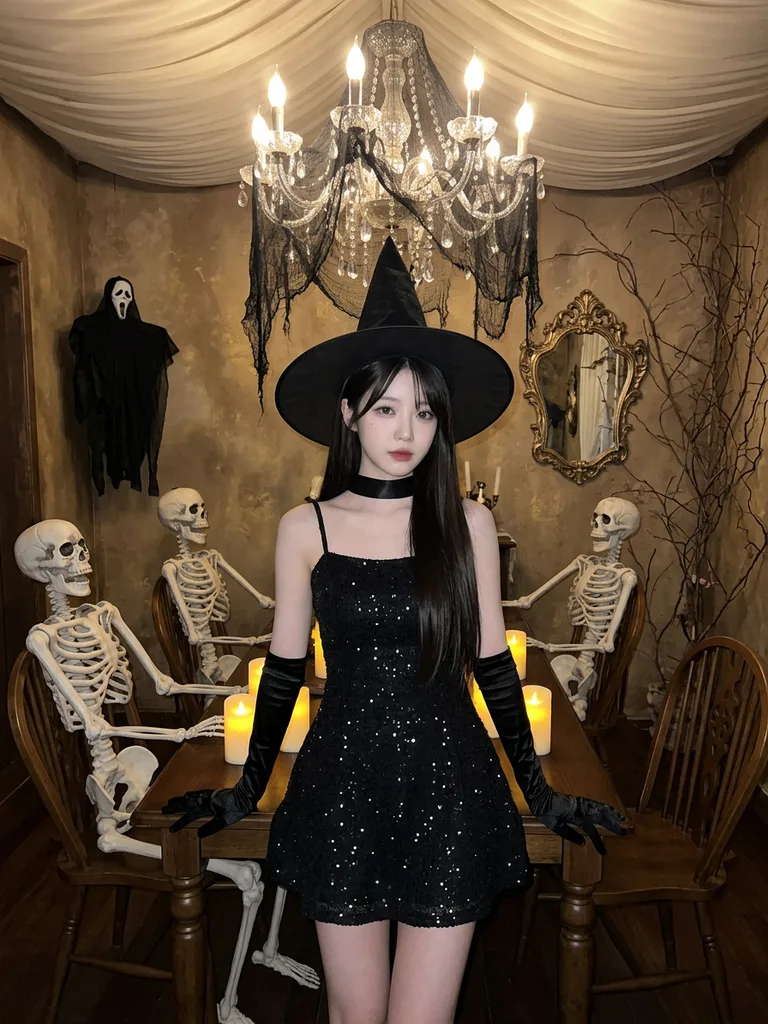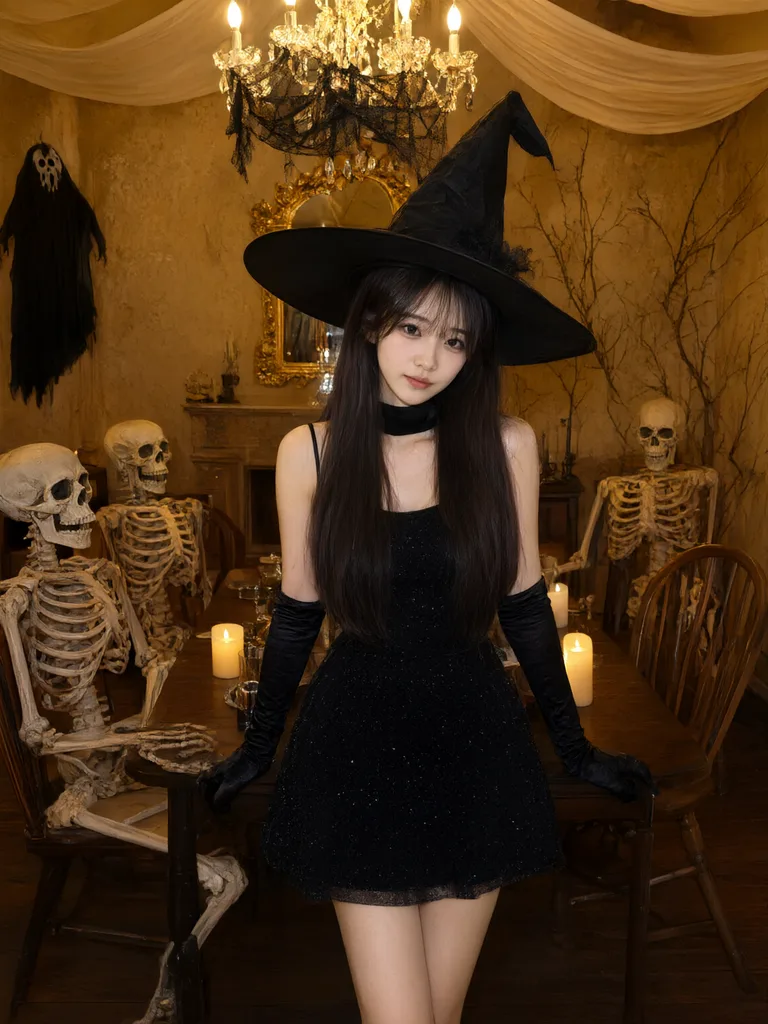
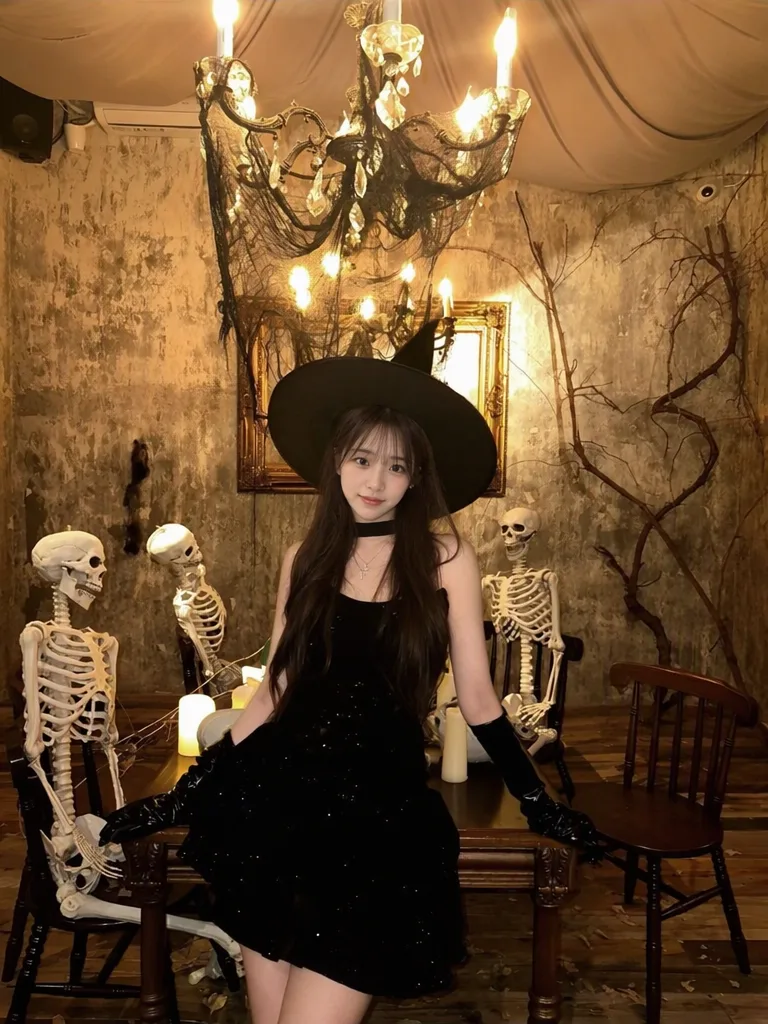
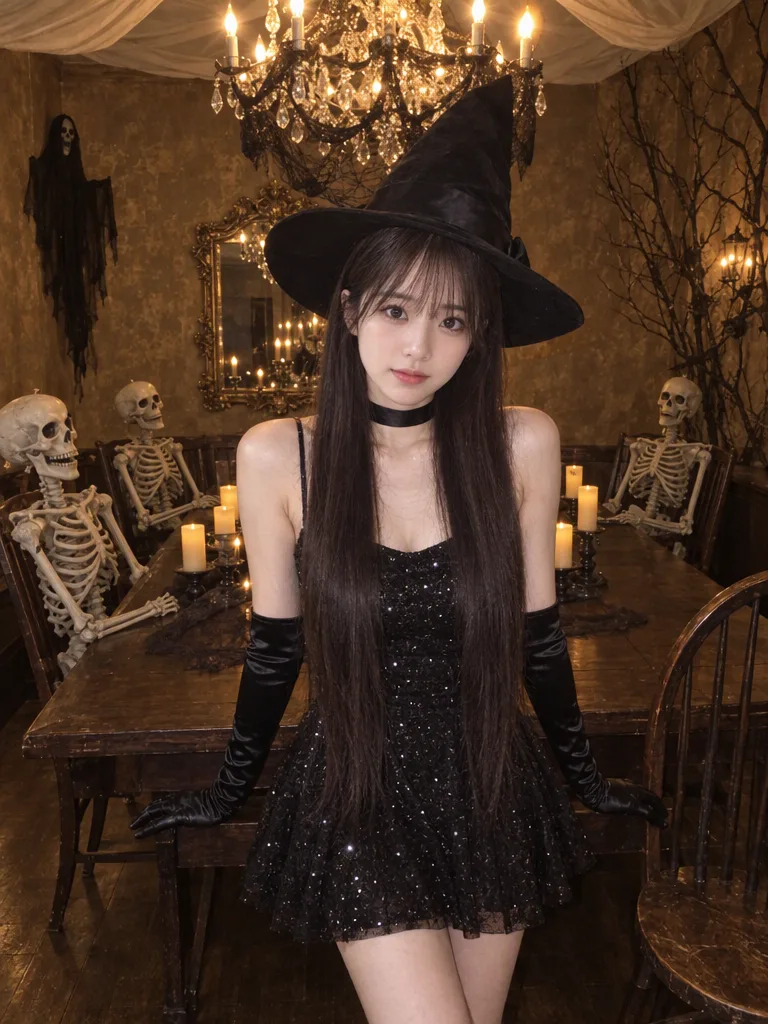
All-Black Witch at the Skeleton Dinner
A wide-brimmed witch hat, a sparkly black dress and long satin gloves, posing at a candlelit dinner table with skeleton guests.

Pick a look and take its prompt to the AIHubMix Playground to generate your own AI Halloween pictures.
Browse the ideasCostumes, pets and scenes: pick one and create the same look.
A wide-brimmed witch hat, a sparkly black dress and long satin gloves, posing at a candlelit dinner table with skeleton guests.
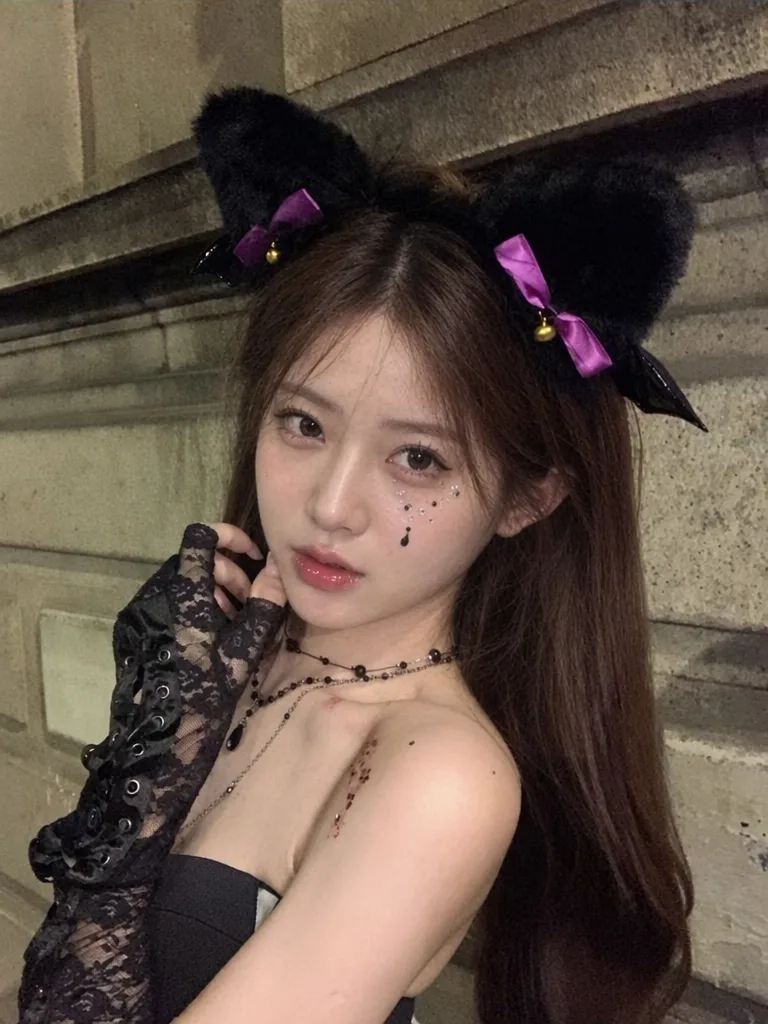
Fluffy black cat ears with purple bows, lace gloves and teardrop gem makeup against an old stone wall at night.
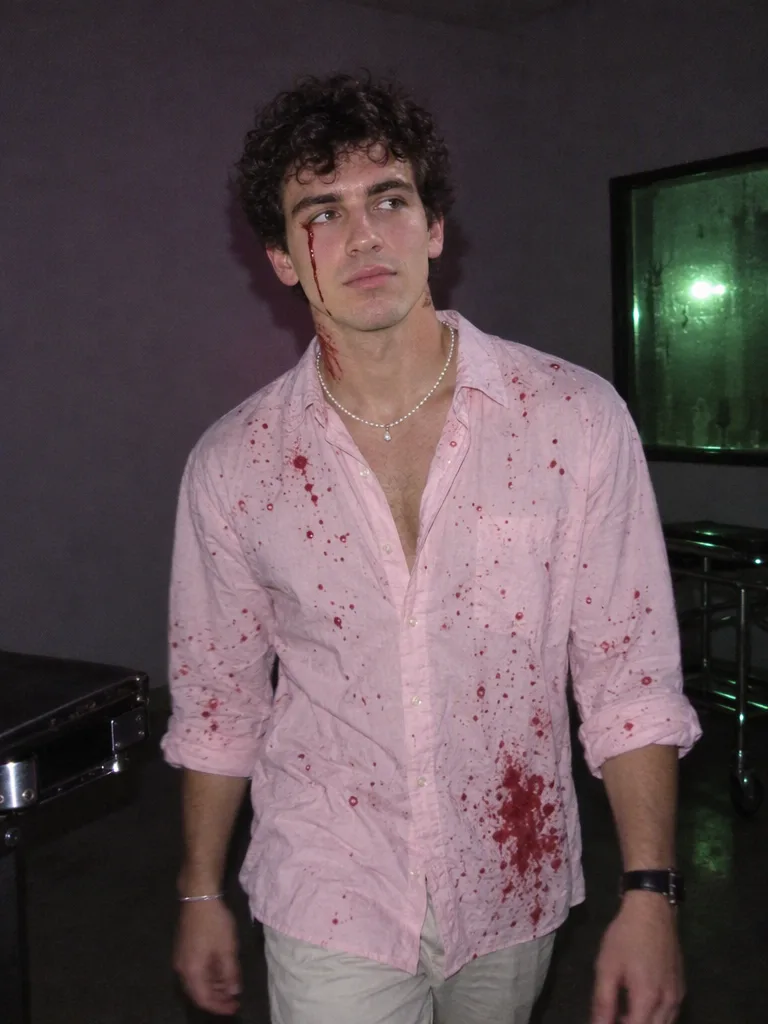
A pink shirt splattered with fake blood, a pearl necklace and a trickle of blood down the face, caught by flash in a dark room.
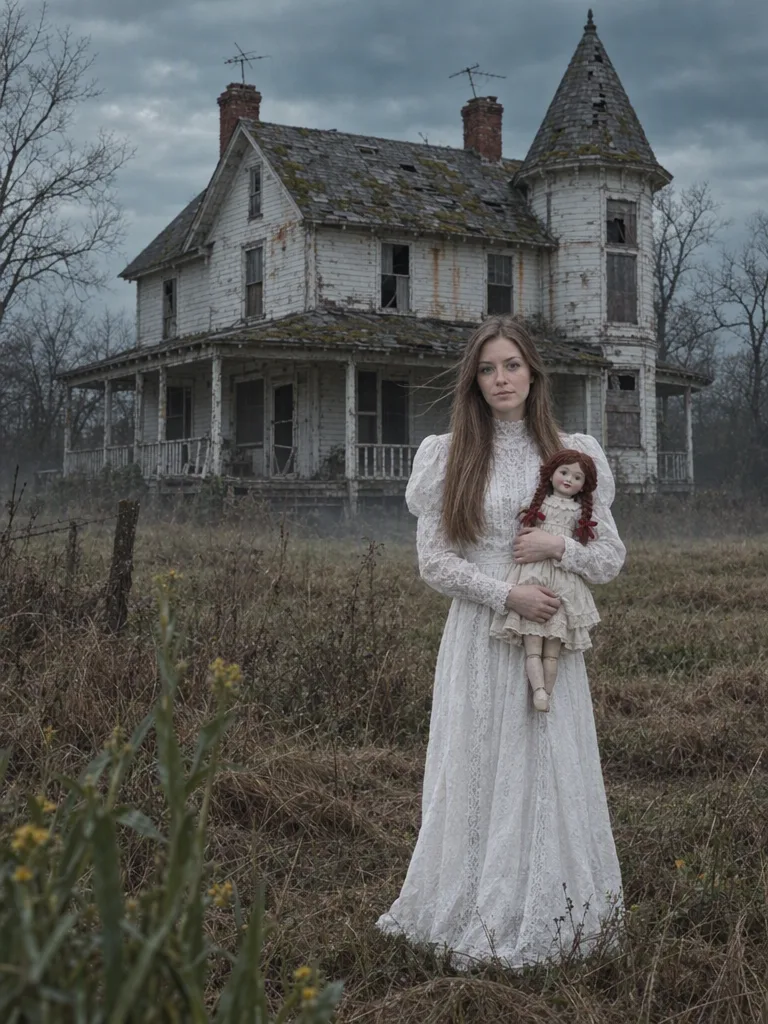
A white vintage lace dress and an antique doll in her arms, in front of a decaying Victorian mansion under a grey sky.
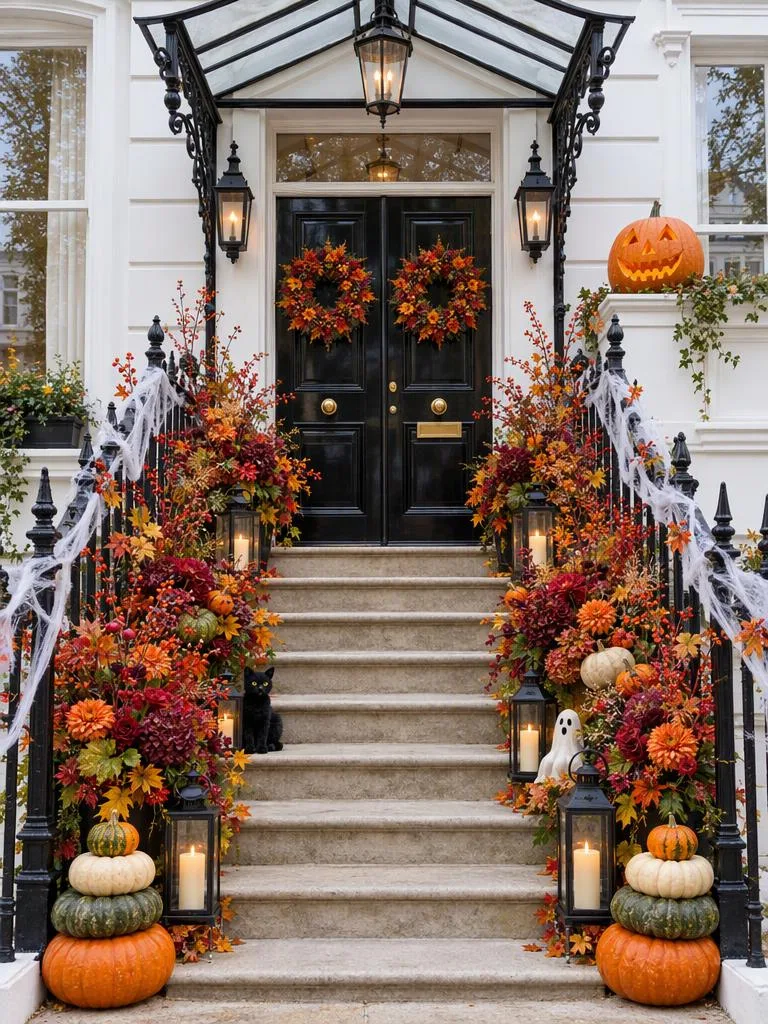
White townhouse steps lined with pumpkins, autumn flowers, lanterns and a black-cat figure.
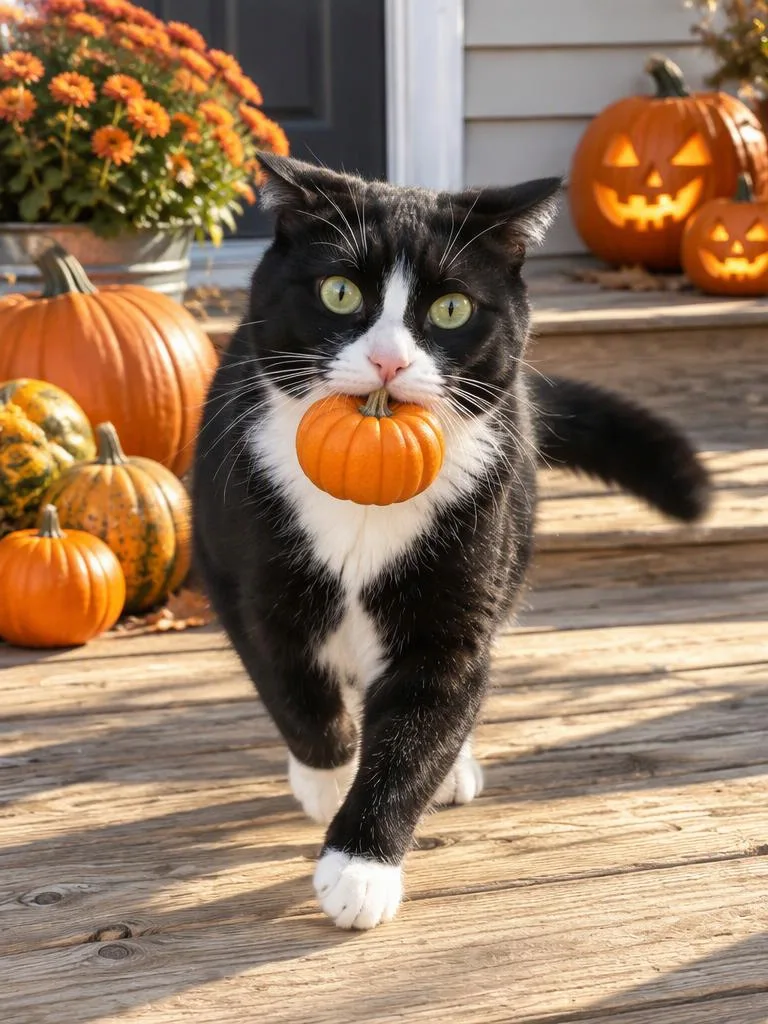
A mini pumpkin in its mouth, frozen mid-escape in the afternoon sun.
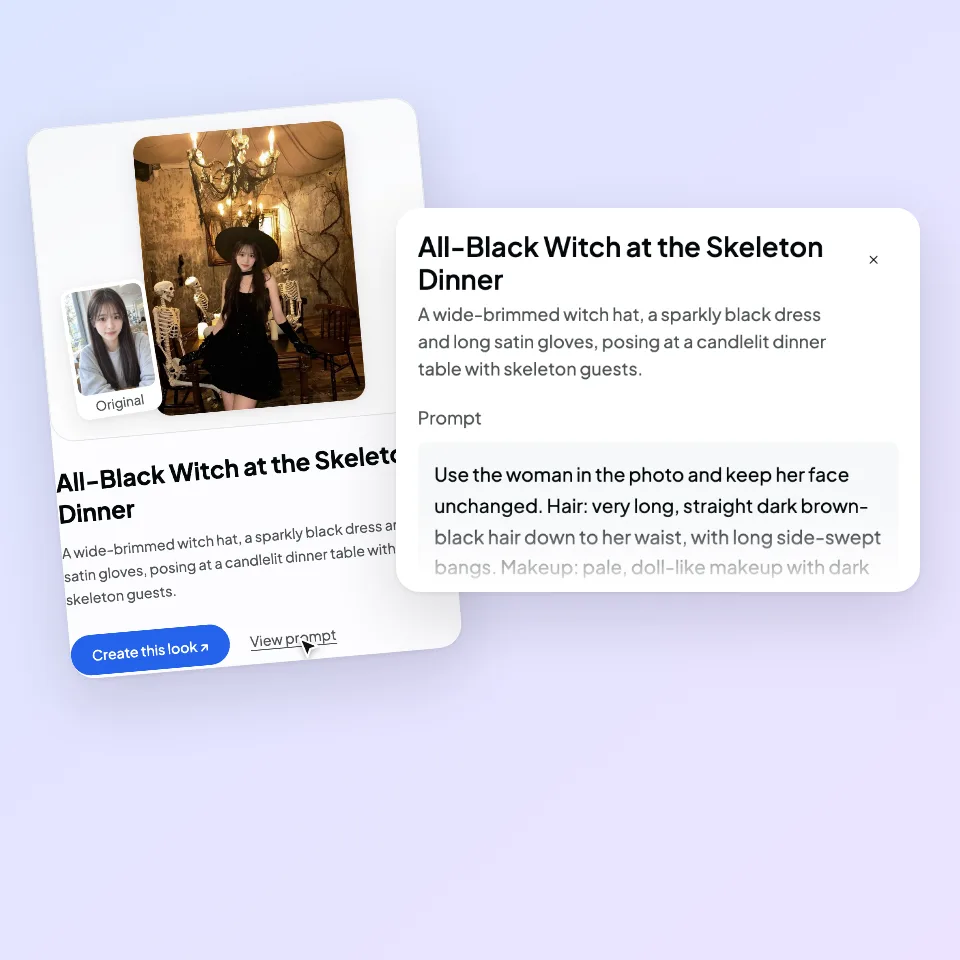
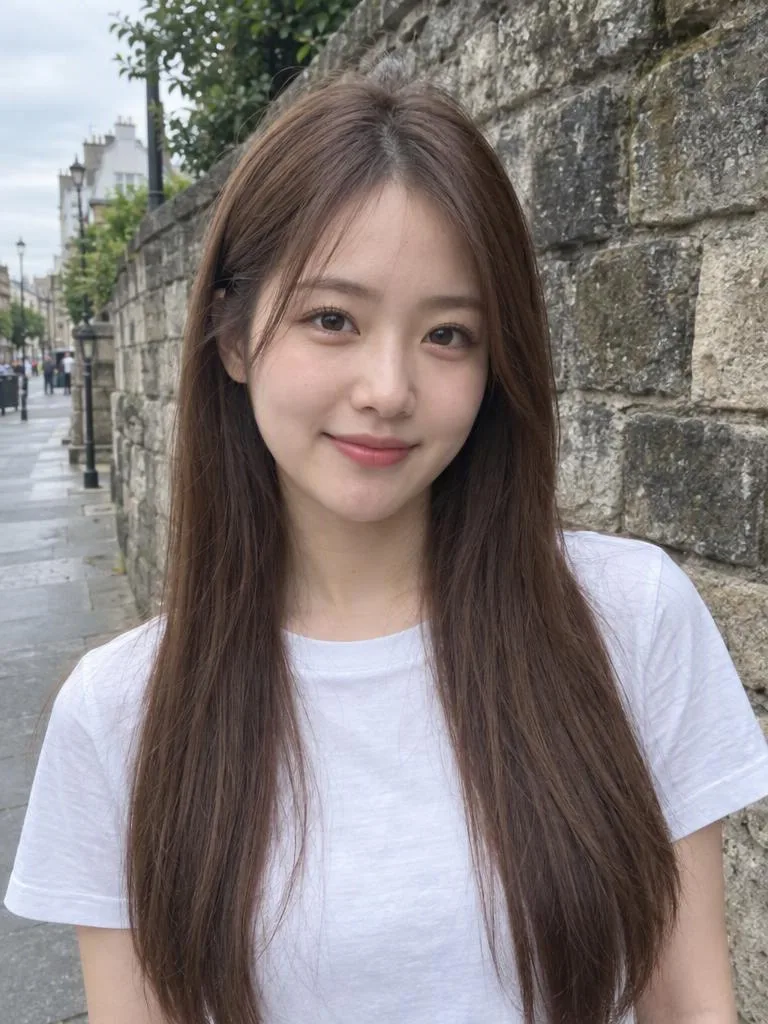
Choose a look from the gallery. Opening it shows the full prompt.
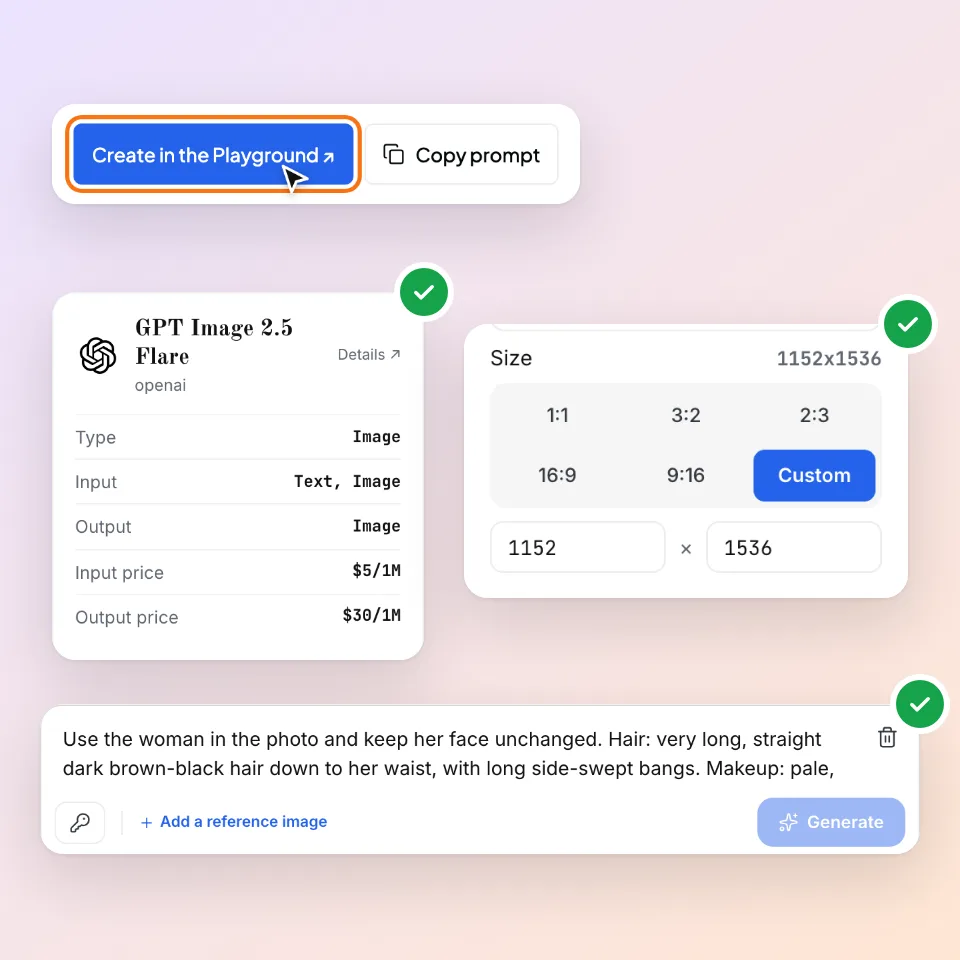
Choose "Create this look". The model, the 3:4 size and the prompt are filled in for you in the AIHubMix Playground.
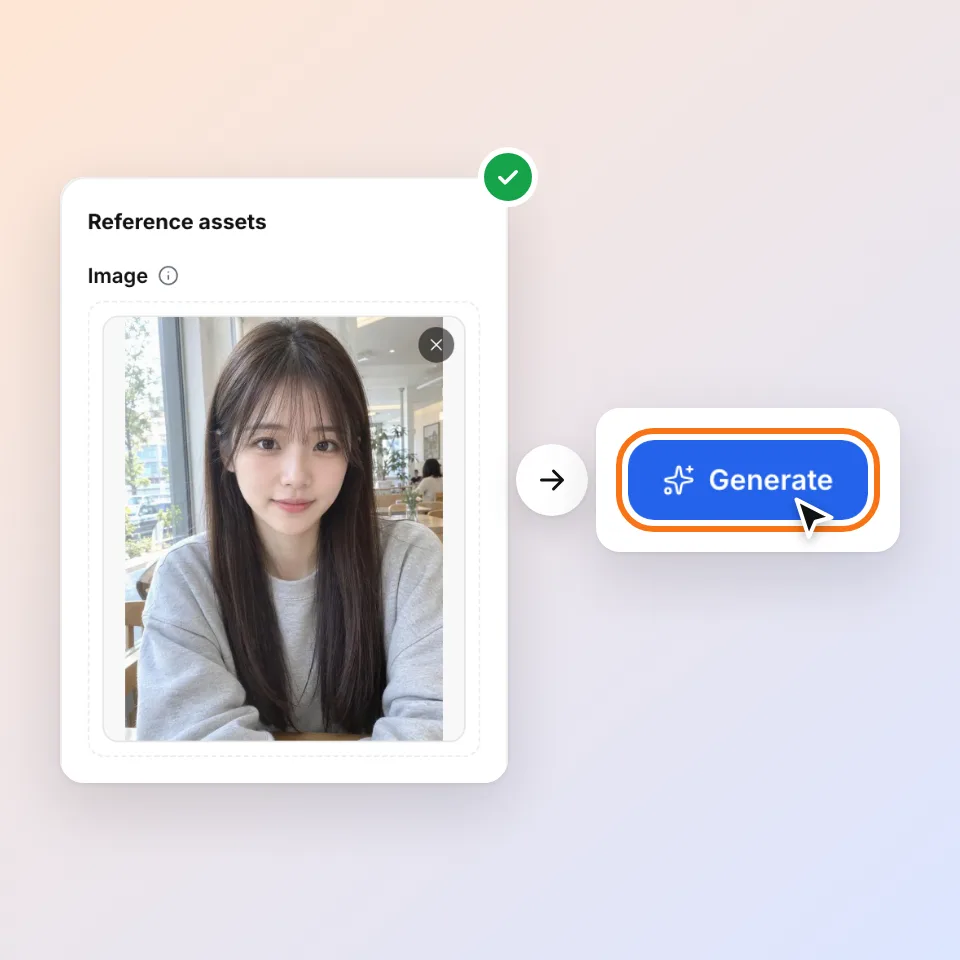
Add your reference photo, check the model and cost, then send. Download the result you like; if it misses, change one thing at a time.
The Playground needs an AIHubMix account. Sign in before you choose "Create this look": if you sign in afterwards, you land on the dashboard and the model and prompt are not carried over. Each generation is billed by the model you pick; the model page shows the current price.
All looks
Costumes, pets, shops and products, plus scenes that need no photo. Open any of them to see the full prompt.
All-Black Witch at the Skeleton DinnerHalloween costumesCute Ghost Kitty MakeupHalloween costumes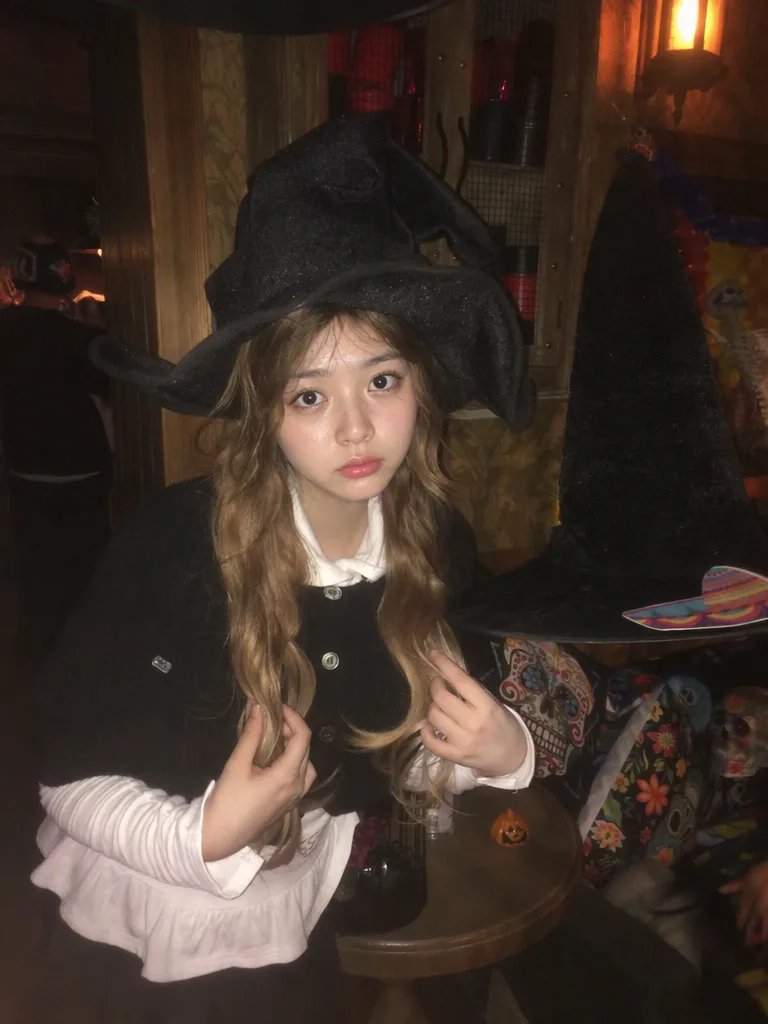 Little Witch at the Halloween BarHalloween costumes
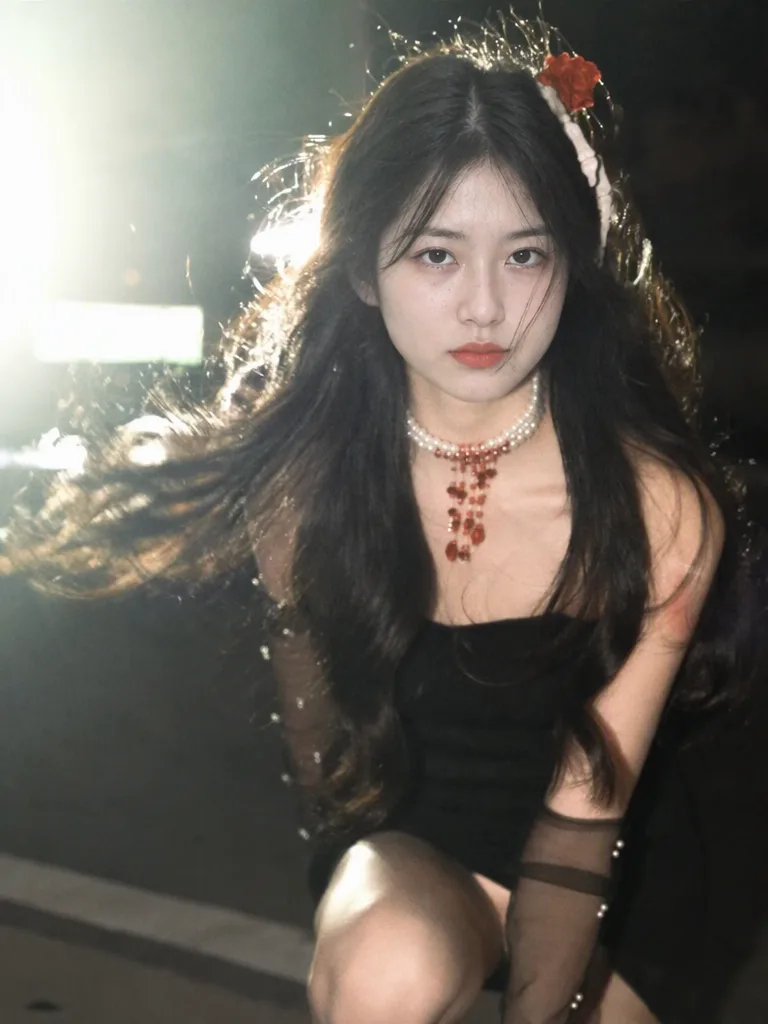 Vampire on the Night HuntHalloween costumesBlood-Splattered Pink ShirtHalloween costumesThe Doll at the Haunted HouseHalloween costumesCaught Red-Pawed: The Pumpkin ThiefPets
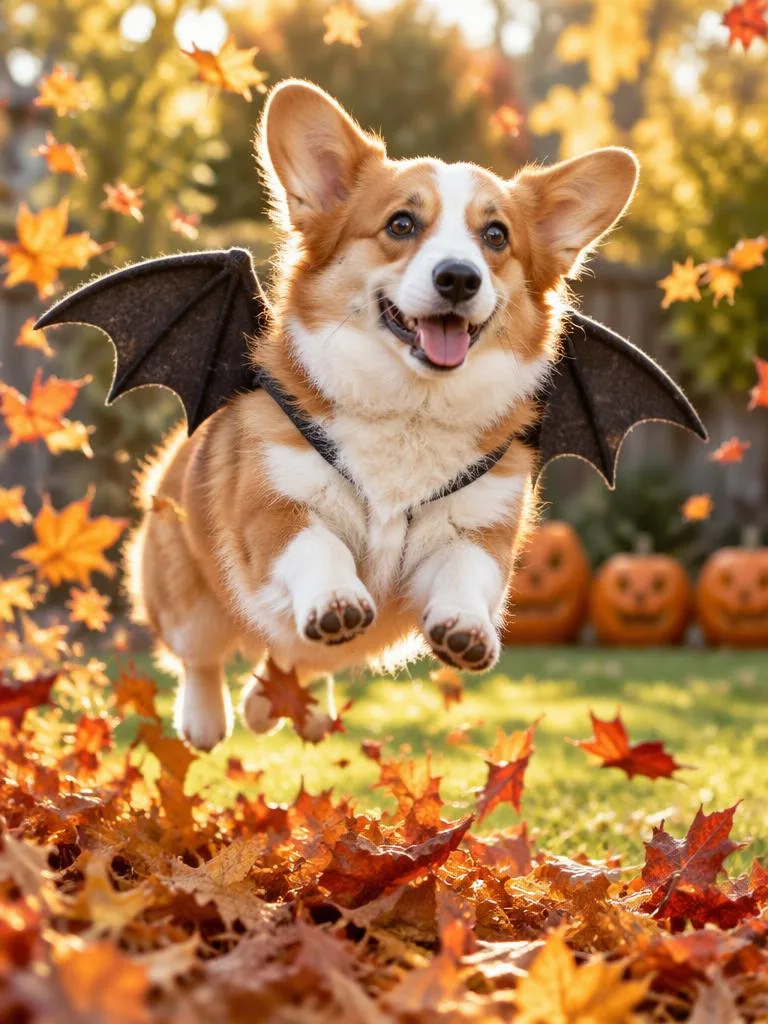 Bat Wings, Ready for TakeoffPets
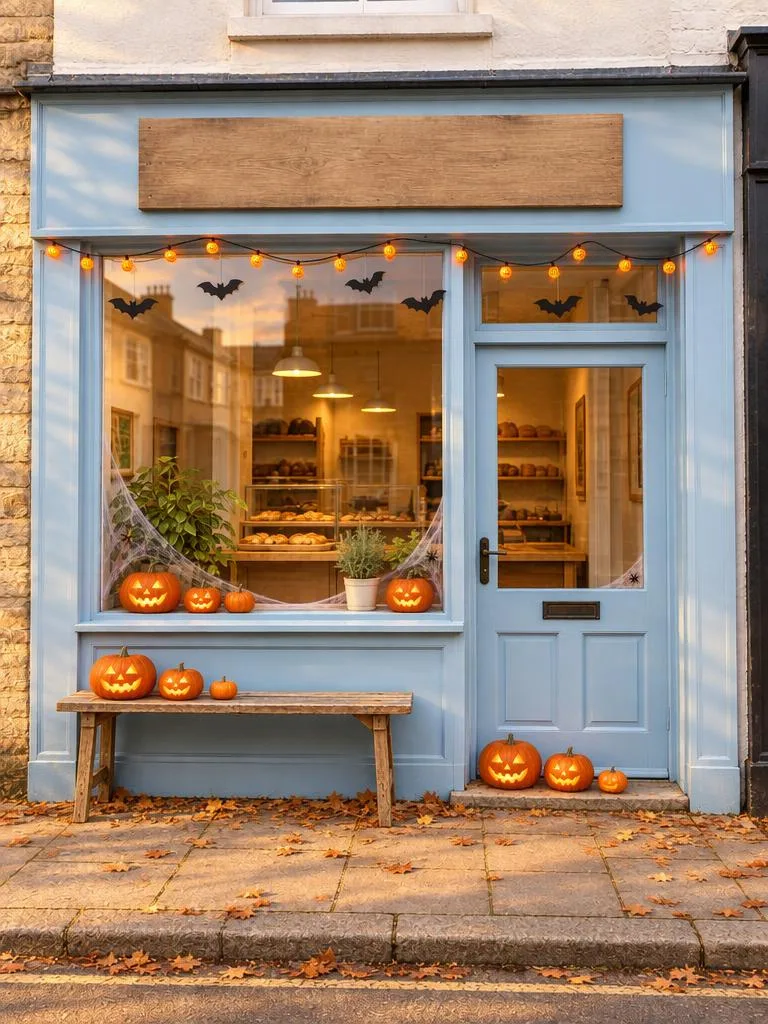 Storefront Makeover for HalloweenShops & marketing
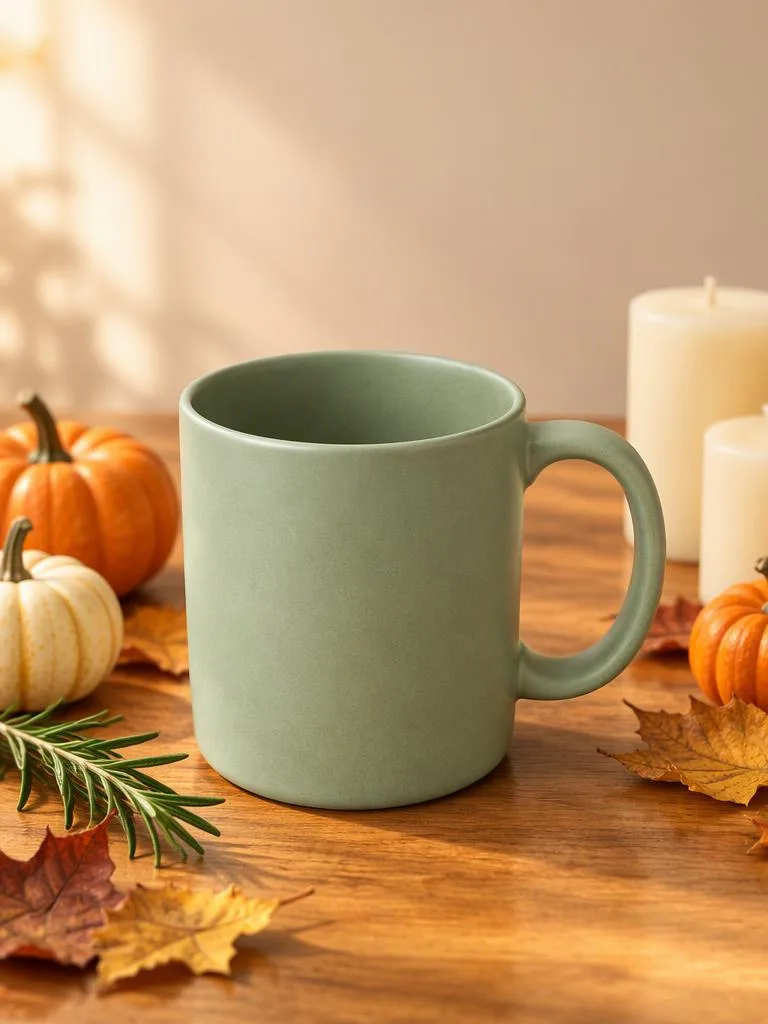 Harvest-Season Product HeroShops & marketingPumpkin Porch StepsNo-photo scenes
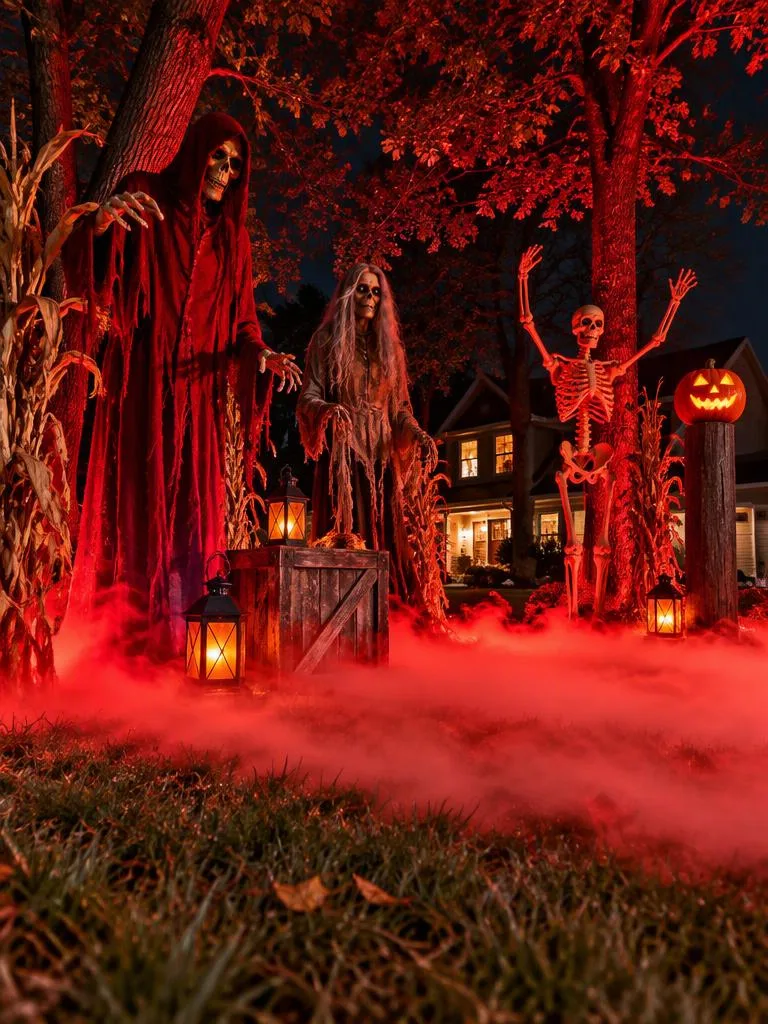 Red-Lit Yard Haunt in the FogNo-photo scenes
Create "All-Black Witch at the Skeleton Dinner" in the Playground ↗
The same photo and the same prompt, sent to three models. Pick the result you like and create it with that model. All three run on one AIHubMix account, so there is nothing extra to sign up for.
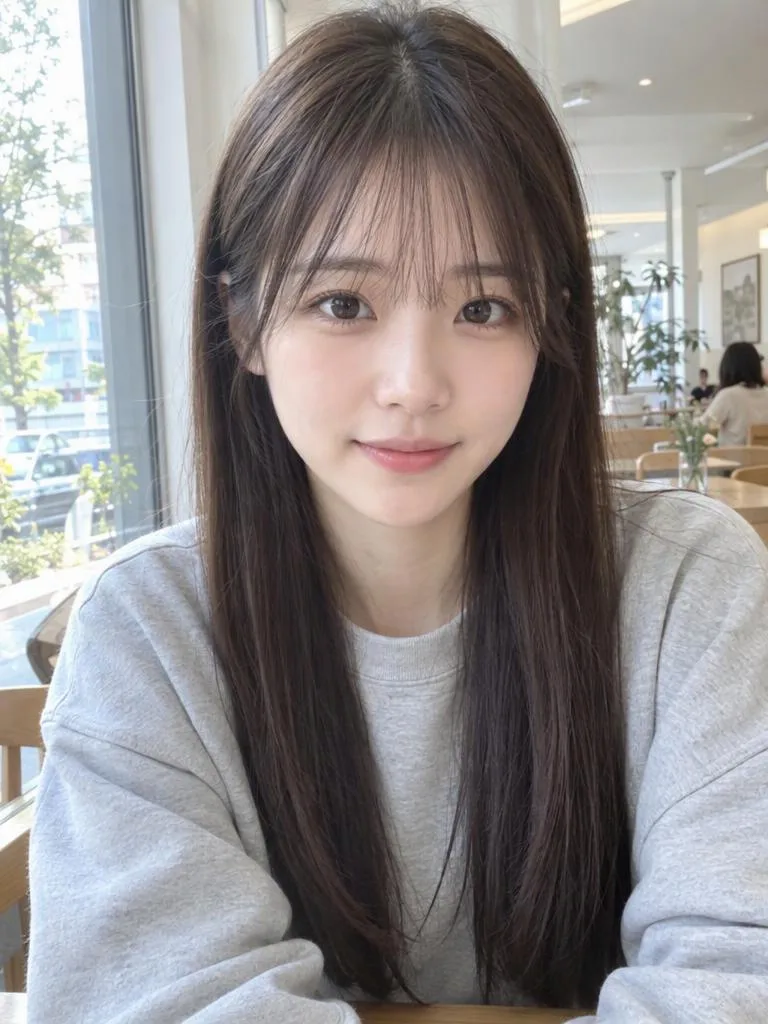
OpenAI · GPT Image 2.5 Flare
OpenAI's latest image model and the fastest of the 2.5 line. Default for every template on this page.
Building your own Halloween photo feature? Send the same prompt to the AIHubMix image endpoint and pass the reference photo in images.
Output URLs expire after about 30 minutes and must be downloaded with the same Authorization header, so store the image yourself.
curl https://aihubmix.com/ai/v1/images/generations \
  -H "Authorization: Bearer $AIHUBMIX_API_KEY" \
  -H "Content-Type: application/json" \
  -d '{
    "model": "gpt-image-2.5-flare",
    "prompt": "<paste a prompt from this page>",
    "images": ["https://example.com/your-photo.jpg"],
    "size": "1152x1536"
}'It redraws a photo in a Halloween setting: a new costume, festive decorations or a new scene, guided by a text prompt and your reference photo. The "AI Halloween trend" is people sharing portraits made this way, usually in a real place with pumpkins, string lights and one costume piece. How much the result looks like you depends on the model and the photo, so check each result before you share it.
Pick an idea, upload a photo, and see yourself in costume in a few minutes.