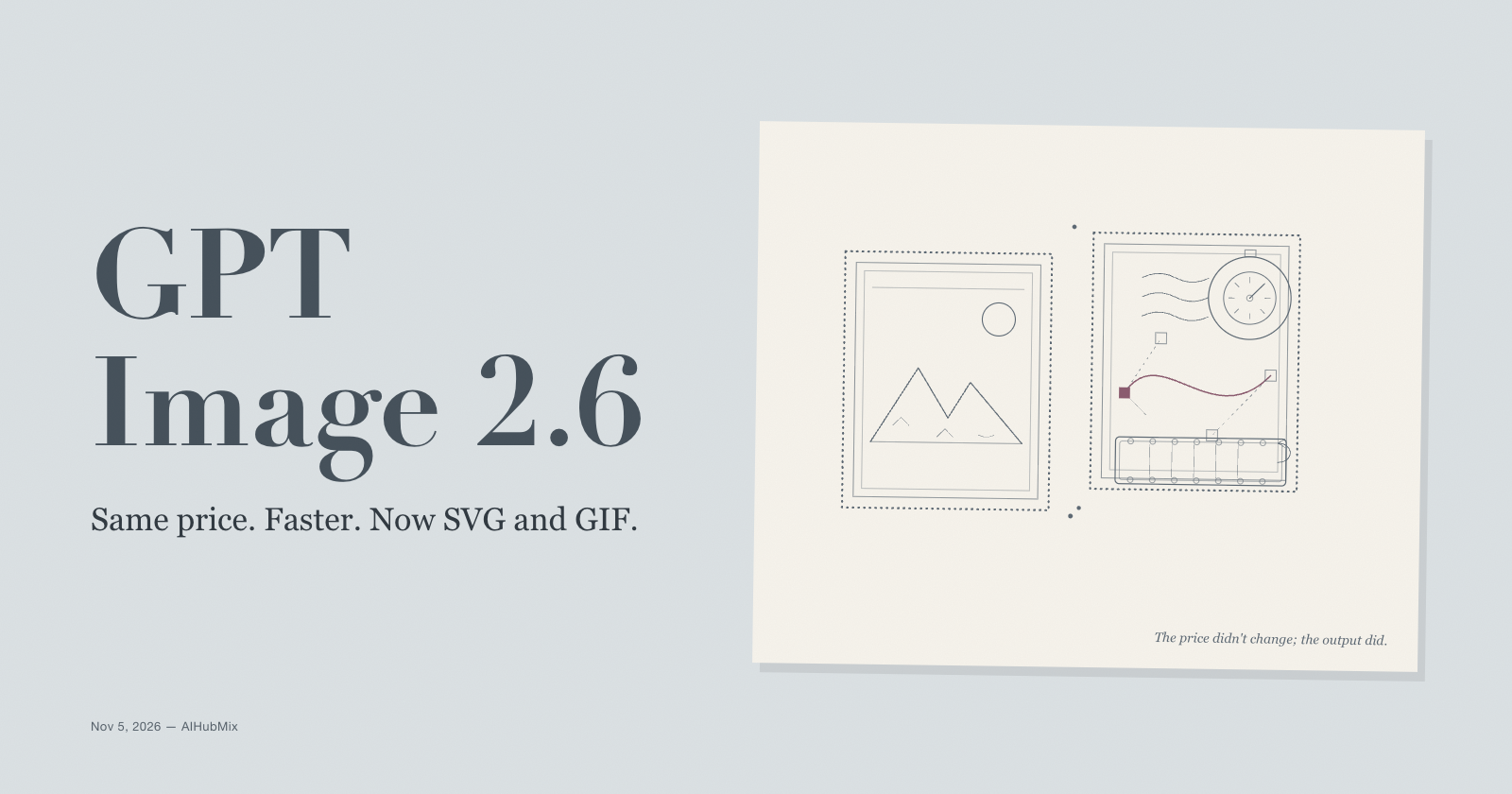
OpenAI released GPT Image 2.6 on November 4, 2026, in the same two variants as the previous version: Sunburst for detailed work and Flare for fast iteration. The price did not move. A 1024x1024 high-quality image still costs about $0.211 in output tokens, and the token rates are identical to 2.5.
What did move is speed and output type. AIHubMix's model page says the Images 2.6 family generates 50% faster — without stating the baseline — and that Flare can return a low-quality image in as little as six seconds. The image generation guide adds complexity for scene planning, SVG output, and animated GIF output. Markup-guided editing, the new way to draw on an image to show what should change, also works on 2.5.
The short answer: 2.6 is a same-price upgrade for anyone calling the Image API directly, with one exception — if you use Batch, 2.5 is still the only option of the two. If you call through AIHubMix, the new controls are not in the gateway's published schema yet, so the speed is the part you can use today.
What changed from 2.5
| Area | GPT Image 2.5 | GPT Image 2.6 |
|---|---|---|
| Price | $30/M image output | $30/M image output |
| Speed | Not stated | 50% faster, vendor claim |
| Complexity control | No | low, medium, high |
| SVG output | No | Yes, generation only |
| Animated GIF output | No | Yes, generation only |
| Markup-guided edits | Yes, also supported | Yes |
| Batch API | Supported | Not supported |
| Responses image tool | Listed in the 2.5 changelog | Not supported |
| Endpoints | Images API | Images API |
The 50% figure comes from AIHubMix's model page, not an independent measurement. No benchmark appears in OpenAI's model pages or changelog. Treat it as a direction, not a stopwatch.
Two documentation details are worth checking before a migration. The image guide lists low through max as quality options for both 2.6 and 2.5, but the API reference attaches xhigh and max to 2.5 snapshots only, and AIHubMix's per-image table prices just low, medium, high, and auto. The guide also documents custom dimensions for 2.5, not for 2.6. The three recommended sizes — 1024x1024, 1536x1024, and 1024x1536 — are safe on both.
Sunburst or Flare?
They have the same token rates, so list price is not the deciding factor. OpenAI positions Sunburst for detailed visual work and editing precision, and Flare for fast, everyday generation. The practical split is a two-stage workflow: draft with Flare at low quality, then render the chosen frame with Sunburst at medium or high.
The complexity setting is separate from quality. complexity controls how much the model plans before rendering; it has three levels, defaults to high when omitted, and carries no separate fee. Lower complexity suits focused changes such as a background or a sign. Higher complexity can help with dense text and complex layouts, but it can also add latency and introduce changes you did not ask for. Quality still controls the rendering itself.
Price and real cost
All five GPT Image 2.x models share the same token rates, according to the OpenAI pricing page. The differences between them are in token consumption, not list price.
| Model | Text input | Image input | Image output | Cached image input |
|---|---|---|---|---|
| GPT Image 2.6 Sunburst | $5/M | $8/M | $30/M | $2/M |
| GPT Image 2.6 Flare | $5/M | $8/M | $30/M | $2/M |
| GPT Image 2.5 Sunburst | $5/M | $8/M | $30/M | $2/M |
| GPT Image 2.5 Flare | $5/M | $8/M | $30/M | $2/M |
| GPT Image 2 | $5/M | $8/M | $30/M | $2/M |
| GPT Image 1.5 | $5/M | $8/M | $32/M | $2/M |
Cached image input needs a caveat. OpenAI says the cached rate applies only to GPT Image 2 and 2.5 images generated through the Responses API, not to direct Images API requests, including edits; the pricing page does not extend that note to 2.6.
Per-image output estimates from AIHubMix, which exclude input tokens, are the same on 2.5 and 2.6. The 1.5 per-image figures in the comparison below come from OpenAI's historical cost table.
| Quality | 1024x1024 | 1024x1536 | 1536x1024 |
|---|---|---|---|
| low | $0.006 | $0.005 | $0.005 |
| medium | $0.053 | $0.041 | $0.041 |
| high | $0.211 | $0.165 | $0.165 |
| auto | $0.211 | $0.165 | $0.165 |
auto is an estimate here: OpenAI says the cost depends on the image the model generates.
A realistic run makes the numbers concrete. Forty low-quality drafts at 1024x1024 cost 40 × $0.006 = $0.24. Four high-quality finals at the same size cost 4 × $0.211 = $0.844. The 44 images cost $1.084 in output tokens; input tokens are extra. If the finals are 1536x1024, they cost 4 × $0.165 = $0.66, and the output cost is $0.90. The same session on 2.5 costs the same, because the per-image estimates are identical.
SVG output is billed differently: you pay the image model's rate for the reference image and the authoring model's rate for the tokens it uses to produce the SVG, so the total depends on both. Partial images during streaming add 100 image output tokens each.
The pricing page is the authority for token rates, and the AIHubMix compare page puts the two generations side by side if you want the numbers in one view.
Where 2.5 still wins
Batch. GPT Image 2.5 supports v1/batch, and Batch halves the image output rate to $15 per million tokens. GPT Image 2.6's model page lists Batch as not supported, and the Batch pricing table omits both 2.6 models. If your image pipeline is a nightly batch job, 2.5 remains the cheaper and the only one of the two with Batch.
Responses pipelines need a check. The 2.5 changelog lists the Responses API image generation tool alongside the Image API. The 2.6 changelog lists only v1/images/generations and v1/images/edits, and the 2.6 model pages mark Responses as not supported. If your code calls 2.5 through Responses, verify the 2.6 path before changing the model ID.
Gateway controls. AIHubMix's published schema for 2.6 accepts png, jpeg, and webp output and does not list complexity, markup, frame_count, or frame_duration_ms. The schema also does not list svg or gif as output formats. Those features are documented on the OpenAI side for the Image API. If you need them today, call OpenAI directly; if you need one key and one bill, check the schema again before assuming the gateway will pass them through.
If you are coming from 1.5
GPT Image 1.5 retires on December 1, 2026, according to the deprecations page, and OpenAI names 2.5 as the replacement. The move is not uniformly cheaper. At 1024x1024, the per-image estimate for high quality goes from $0.133 on 1.5 (OpenAI's historical table) to $0.211 on 2.6 (AIHubMix's estimate), about 59% more; medium goes from $0.034 to $0.053. Low quality gets cheaper, from $0.009 to $0.006.
Those figures are the same on 2.5, so the jump is the cost of leaving 1.5's quality tiers, not a 2.6 premium.
Who should switch now, who should wait
Switch now if you generate many drafts and discard most of them: Flare at low quality is where the speed claim and the $0.006 draft price pay off. Switch if you need SVG icons or animated GIFs and call the Image API directly. If you are on 1.5, move before December 1; 2.5 is OpenAI's named replacement and carries the same per-image estimates as 2.6, so choose 2.6 only if you want the speed and the new output types.
Wait if you run Batch jobs, if your pipeline uses the Responses image tool, or if you depend on the new parameters through AIHubMix. None of those blocks has a published date.
Stay on 2.5 if it already works. OpenAI has announced no retirement date for 2.5, and it now has markup-guided editing too. The upgrade is about speed, output types, and complexity control, not about keeping the model alive.
Trying both is one model-ID change on AIHubMix — gpt-image-2.6-sunburst or gpt-image-2.6-flare instead of the 2.5 ID — and the quick start covers the request shape if you want to run the comparison on your own prompts.
FAQ
Is GPT Image 2.6 the same price as 2.5?
Yes. Text input is $5 per million tokens, image input $8, and image output $30. A 1024x1024 high-quality image costs about $0.211 in output tokens on both.
What is the difference between Sunburst and Flare?
Sunburst is positioned for detailed visual work and editing precision; Flare is positioned for fast iteration and everyday generation. They have the same token rates, so the choice depends on the task.
Does GPT Image 2.6 support the Responses API?
No. Its model pages list v1/images/generations and v1/images/edits as supported and mark Responses as not supported. The 2.5 changelog, by contrast, lists the Responses image generation tool.
Can I use the Batch API with GPT Image 2.6?
No. GPT Image 2.5 supports Batch at half the image output rate; 2.6 does not appear in the Batch table and its model page marks Batch as unsupported.
What does the complexity parameter do?
It controls how much planning the model does before rendering. The levels are low, medium, and high, the default is high, and there is no separate fee. Lower settings suit focused edits; higher settings help with dense text and complex layouts.
Can GPT Image 2.6 output SVG or GIF?
Yes, through the Image API. SVG requires n=1 and is generation-only; GIF is also generation-only, with a default of 9 frames at 200 ms each. Neither works through the edit endpoint.
Are the new 2.6 parameters available on AIHubMix?
AIHubMix's published schema lists png, jpeg, and webp output, and does not list complexity, markup, frame count, or SVG/GIF. Check the schema before relying on them through the gateway.
Keep reading: the GPT Image 2.6 series
The migration post takes the same facts into code: which calls change, why Batch disappears, and a draft-to-final poster workflow with a cost line for each step.
GPT Image 2.6 API tutorial: drafts, finals, and migration gotchas