A new habit has spread across developer tools: leave a task somewhere—an Issue, a chat mention, a prompt box—close the laptop, and come back to a branch or a pull request that an agent produced while you were away. GitHub, Cursor, OpenAI, Anthropic, Cognition, and xAI all now sell some version of it, under names like cloud agent, background agent, cloud session, or autonomous software engineer. This article explains the category: what these products actually do, how the loop runs, what you give up, and where DeepSeek’s open-source Super-agent prototype sits in it.
What counts as a cloud coding agent
The label is loose, so it helps to name the three parts every product in this category shares:
- A trigger that does not need an open editor. Work arrives as an Issue assignment, an @mention in Slack or Feishu, a prompt in a web app, an API call, or a CLI handoff.
- An environment outside your machine. The agent clones the repository, installs what it needs, and works in a sandbox or workspace managed by the vendor or your organization.
- A reviewable result. It ends with a branch, a diff, a draft PR, or a comment—something a person can review and act on.
That separates the category from two neighbours. A local IDE agent runs on your laptop while you watch; a chat assistant answers questions without touching the repository. A cloud coding agent sits between them: it has real tools and a real checkout, but the human is meant to leave.
The word bot describes the chat-native shape of the same idea. Instead of assigning an Issue, you mention the agent in Slack, Teams, or Feishu. The trigger changes; the remote environment does not. The output can be a PR, a diff, or a set of finished files.
The product map
Six products, described as their vendors describe them:
| Product | Starts from | Runs in | Returns |
|---|---|---|---|
| GitHub Copilot cloud agent | Issue, @, Agents panel | Cloud sandbox or Actions | Branch or PR |
| Cursor Cloud Agents | Desktop, web, Slack, Linear | Isolated cloud VM | PR |
| OpenAI Codex Cloud | ChatGPT web, desktop, mobile | Cloud workspace | Changes or PR |
| Claude Code cloud sessions | Browser, mobile, desktop, terminal | Anthropic-managed VM or self-hosted environment | Branch or PR |
| Devin | Slack, Teams, web, CLI, API | Workspace with terminal, editor, browser | Draft PR |
| Grok Bot | Desktop/mobile chat, @bot on X | Cloud machine (Cursor-hosted) | Files or drafts |
Grok Bot is the broadest entry: xAI describes it as a persistent AI teammate, started from desktop or mobile chat, or by mentioning @bot on X when the accounts are linked. It runs on an account-level cloud machine hosted by Cursor, with browser, storage, and command-line access. Its documentation describes finished files and drafts, not a repository workflow; branch and PR creation are not documented. That places it at the bot end of the spectrum.
Four differences matter more than the table:
Where the trigger lives. GitHub Copilot cloud agent and OpenAI Codex Cloud are designed around work that already lives in GitHub or the ChatGPT app. Cursor Cloud Agents and Devin lean chat-native: a Slack or Teams thread is the front door. Claude Code cloud sessions accept the trigger from a browser, a phone, the desktop app, or claude --cloud in a terminal, and can also run on a schedule.
How much the vendor shows you. Claude Code documents its isolation in detail: in Anthropic-hosted environments, each session runs in an isolated VM, network access is limited by default, and git credentials stay outside the sandbox, with a proxy authenticating on the session’s behalf. Organizations can route sessions to a self-hosted environment instead, where isolation is their responsibility. Cloud sessions share your plan’s rate limits, with no separate VM charge; they require a claude.ai sign-in and are not available when Claude Code is configured for Amazon Bedrock, Google Cloud’s Agent Platform, or another third-party provider. The other vendors publish less about the internals; “sandbox” or “VM” is often the end of the public description.
What the agent is allowed to touch. Some products are scoped to a single repository; others advertise organization-wide or multi-repository work. This is the first thing to check against your own setup, because a capable agent with the wrong repository scope is either useless or dangerous.
What kind of work it is for. Most of this list is repo-scoped coding. Grok Bot is a general cloud teammate: its docs describe files and drafts, not a repository workflow. Read “cloud agent” as a spectrum, not a single product shape.
How the loop actually runs
Strip away the branding and the loop is similar everywhere:
- Intake. A trigger arrives. The product decides whether it is a real task, sometimes asks one clarifying question, and queues a session.
- Environment. The agent clones the repository at the right branch, runs a setup script or image, and installs the toolchain. Network access and secrets are configured here, not later.
- Work. The agent reads code, edits files, runs tests and commands, and occasionally opens a browser. Long tasks continue after your laptop sleeps.
- Output. It pushes a branch and opens a PR, or leaves a diff and a written summary. Some products return draft PRs because the agent is expected to stop before merge.
- Review. A person reads the diff, comments, and either merges, asks for changes, or takes the work back into a local session. Some products can also watch the PR and push fixes when CI fails.
The differences that bite are in steps 2 and 5. A setup script that takes too long, a repository the agent cannot clone, a network policy that blocks a package registry, or a credential the sandbox cannot see will stop a task that looked simple. And “reviewable output” still means a human reviews it: none of these products removes the review step, they move the typing.
Why this wave is happening now
Three conditions had to line up. Models became reliable enough to run long tool loops without constant supervision. Sandboxes and setup scripts became cheap enough to give every task its own environment. And the pull request became the default interface between an agent and a reviewer, which means teams did not have to invent a new review process.
There is also an attention argument. DeepSeek’s companion design essay makes it explicitly: a single task is limited by the model, but a person’s throughput across many tasks is limited by attention. A cloud agent moves session management, context switching, and waiting off the person. That claim comes from DeepSeek’s essay, not from an independent study, but it describes why the category feels useful.
What you give up
Every hosted product trades control for convenience:
- Trust boundary. Your code, and sometimes your credentials, leave your machine. Vendors publish different levels of detail about isolation, retention, and network access; read them per product rather than assuming the category is uniform.
- Isolation. A managed VM is designed to contain the agent, but it is still the vendor’s environment. “Sandbox” can mean anything from a hardened VM to a container with broad network access.
- Customization. Hosted agents expose settings, not source code. If your workflow needs a different trigger, a different review rule, or a different model, you are limited to what the product offers.
- Cost model. Most of these products bill through a subscription or plan with usage limits; the agent’s time is not a line item you control directly. Budget by plan, not by token.
- Scope and lock-in. Multi-repository support, chat integrations, and enterprise controls vary by vendor, and moving a workflow from one to another is not free.
The self-hosted route: DeepSeek’s Super-agent
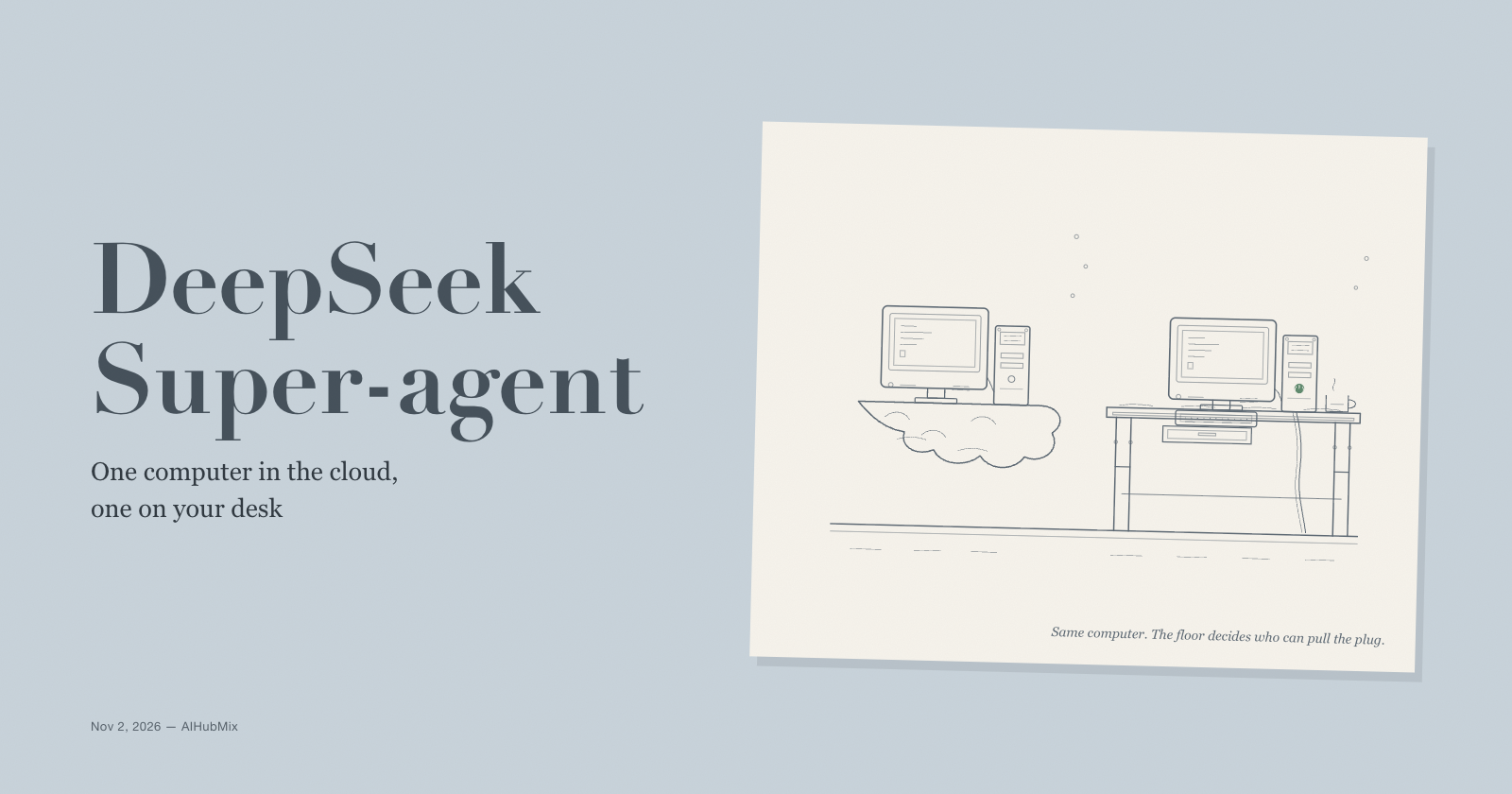
DeepSeek’s release is interesting because it asks what the same loop looks like when the control plane stays with you. The repository is an MIT TypeScript plugin for DeepSeek Harness (DSH), version 0.1.0, published as a research prototype. The README is explicit: it is adapted for publication, it is not identical to DeepSeek’s internal version, and it does not implement every idea in the design essay.
Its shape is a long-lived Router session and a Worker session per ticket. Events flow through Source → Trigger → Thread → Eval → Mandate → Ticket → Assignment → Executor. A team authorizes work through a policy; explicit @mentions from allowed people are accepted, while proactive work starts in observe mode, which records what the agent would have done without opening tickets. Each Ticket gets its own session and directory; a prepare command can create a git worktree per ticket.
The operating model is the opposite of a vendor sandbox. It listens to one github.com repository (no GitHub Enterprise Server) and optionally Feishu. Both Router and Worker presets run with danger-full-access as the operator’s OS user; account wrappers choose the agent’s credentials but do not isolate the process. The deployment guide’s advice is a dedicated OS account that holds only the agent’s credentials. State lives in SQLite under a configured stateDir. The philosophy is written as a budget: take as little human attention as possible, and give as much value as possible.
The essay reports scheduling numbers from a synthetic workload—about 300 messages and 20 work requests, simulated tools, five runs—with a p50/p95 around 12.4 / 15.7 minutes against about 29.5 minutes p95 for a single-session baseline that made no subagent calls. Those are the essay’s own measurements under simulated tools, not an independent coding-quality benchmark.
What the prototype demonstrates is narrower and more useful than a product launch: the event-triggered, review-at-the-end coding agent is not locked inside a vendor cloud. You can own the orchestrator, the state, and the model choice. What it also demonstrates is the bill for that ownership: you run the process, secure the account, and accept that the prototype has no sandbox by default.
Who should pick which
Stay with a hosted cloud agent if you want zero operations, a vendor-managed sandbox, multi-repository or organization features, and a trigger inside GitHub, Slack, Teams, or a web app. The vendor carries the isolation and uptime.
Consider the self-hosted prototype if code cannot leave your infrastructure, you need to modify the orchestration, or you want to choose the model per role. Budget for a dedicated machine or OS account and treat the code as research software.
A practical mix: hosted agents for routine repository work, a self-hosted agent only for the repositories where the data boundary matters. The review step is the same in both cases.
A note on models
The prototype does not hard-code a model. It uses the Harness profile default unless Eval or Execution overrides it, so a team can put a lighter model on the Router and a stronger one on Workers. AIHubMix connects DeepSeek Harness through an OpenAI-compatible endpoint at https://aihubmix.com/v1; the example in the DeepSeek Harness guide uses provider aihubmix and model auto. The guide covers the base DSH connection, not the Super-agent plugin, and the hosted products above manage their own model selection.
FAQ
What is a cloud coding agent?
Software that takes a coding task from an Issue, a chat mention, or an API call, runs it in an environment outside your machine, and returns a branch, diff, or pull request for review.
Is it the same as a local coding agent?
No. A local agent runs in your terminal or IDE while you watch. A cloud agent keeps working after you close the laptop and is meant to be reviewed later.
Do you still need to review the code?
Yes. Every product here ends with a diff or PR for a person to review. The agent moves the typing, not the approval.
Where does your code run?
In the vendor’s environment. The details differ: Copilot describes a cloud sandbox or Actions environment, Cursor isolated VMs, Codex a cloud workspace, Claude Code an isolated Anthropic-managed VM or an organization’s self-hosted environment, and Devin a workspace with terminal, editor, and browser. Read each vendor’s security documentation before trusting it with private code.
What is a coding bot?
The chat-native version of the same idea: you mention the agent in Slack, Teams, or Feishu instead of assigning an Issue. It still works in a remote environment; the output may be a PR or diff, or, for a general teammate like Grok Bot, finished files and drafts.
What does DeepSeek’s Super-agent add?
A self-hosted, MIT-licensed implementation of the same loop, with a Router–Worker design, a policy and ticket model, and optional Feishu. It is a research prototype, not a hosted product.
Is it production-ready?
No. The README calls it research code, the presets run with danger-full-access, and there is no default sandbox. Use a dedicated OS account and a dedicated agent GitHub account if you try it.
Sources
- deepseek-ai/dsh-superagent-prototype — README, the design essay it cites, and docs/000–008
- Connect DeepSeek Harness to AIHubMix — AIHubMix
- GitHub Copilot cloud agent — GitHub Docs
- Cursor Cloud Agents — Cursor Docs
- Codex Cloud — ChatGPT Learn / OpenAI
- Claude Code in the cloud — Anthropic
- Devin documentation — Cognition
- Grok Bot documentation — xAI